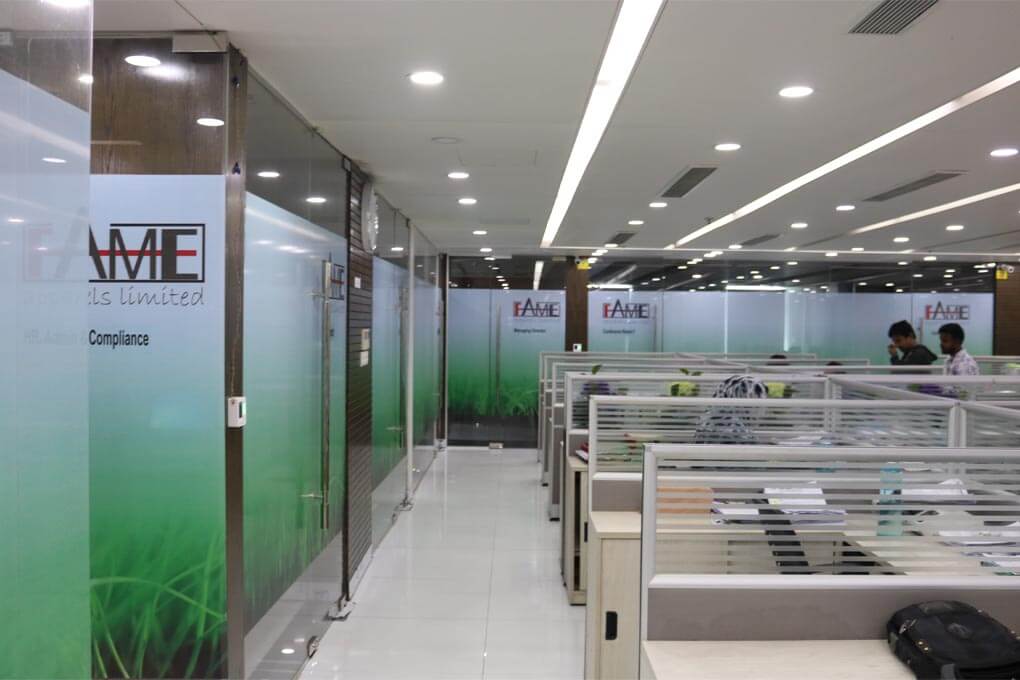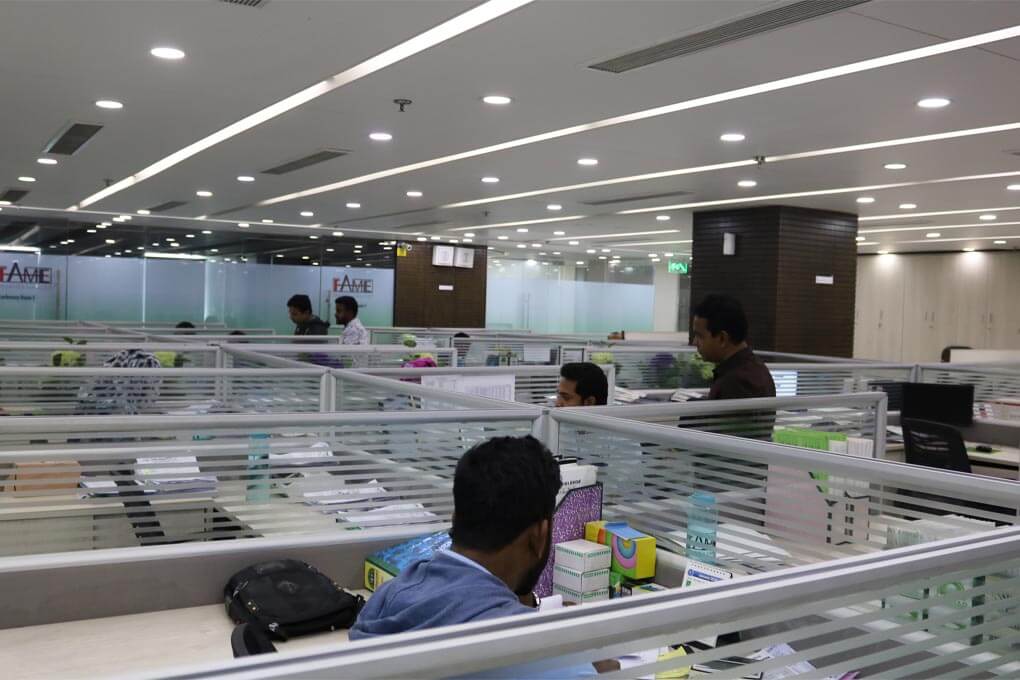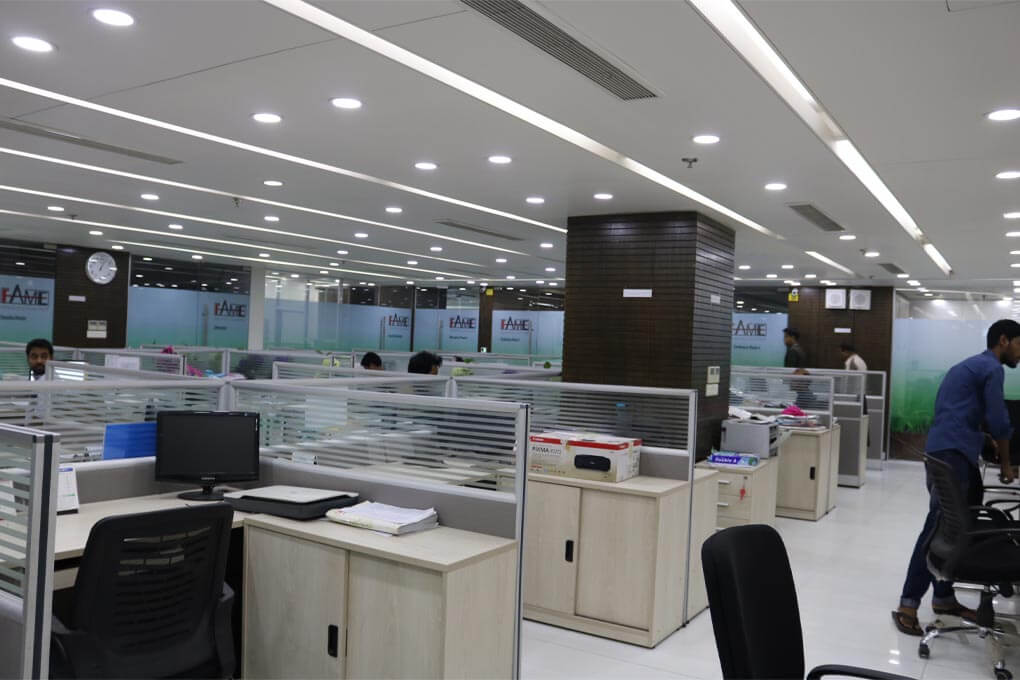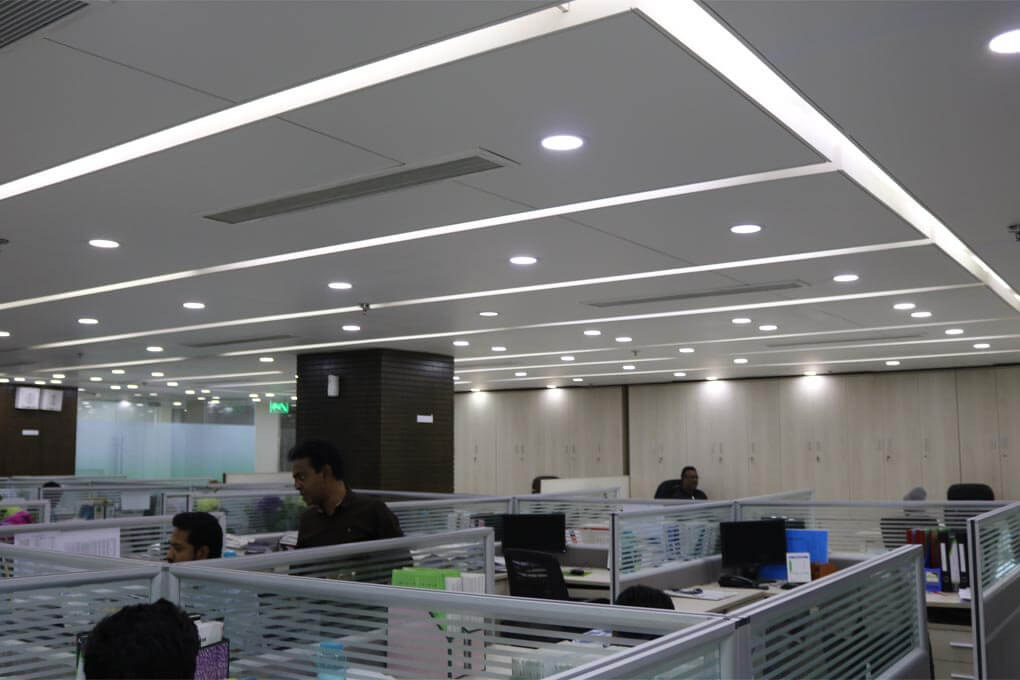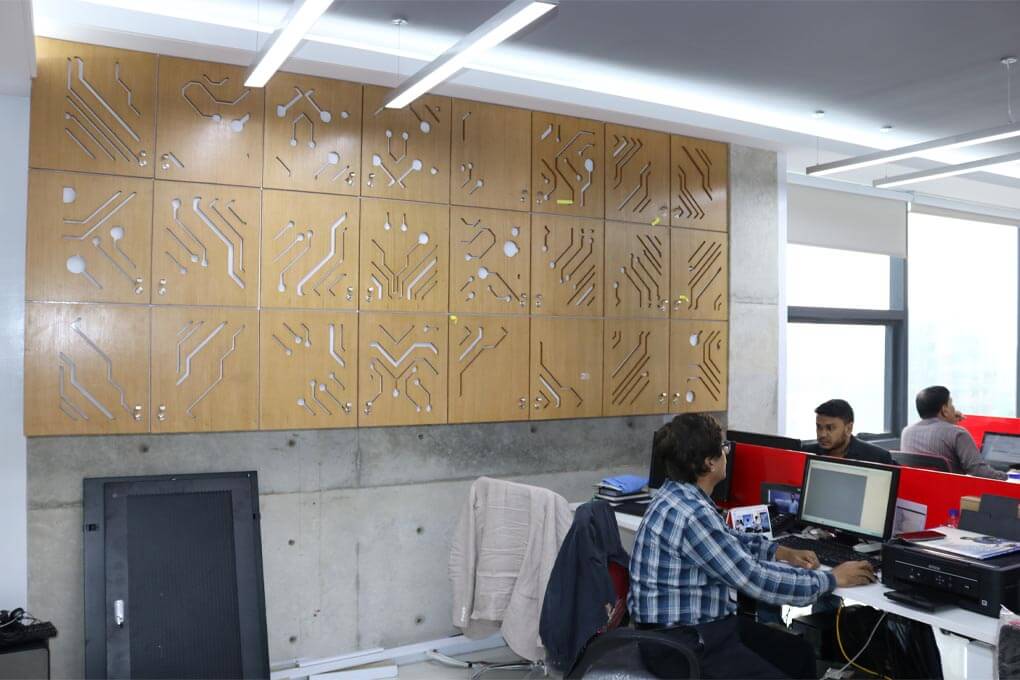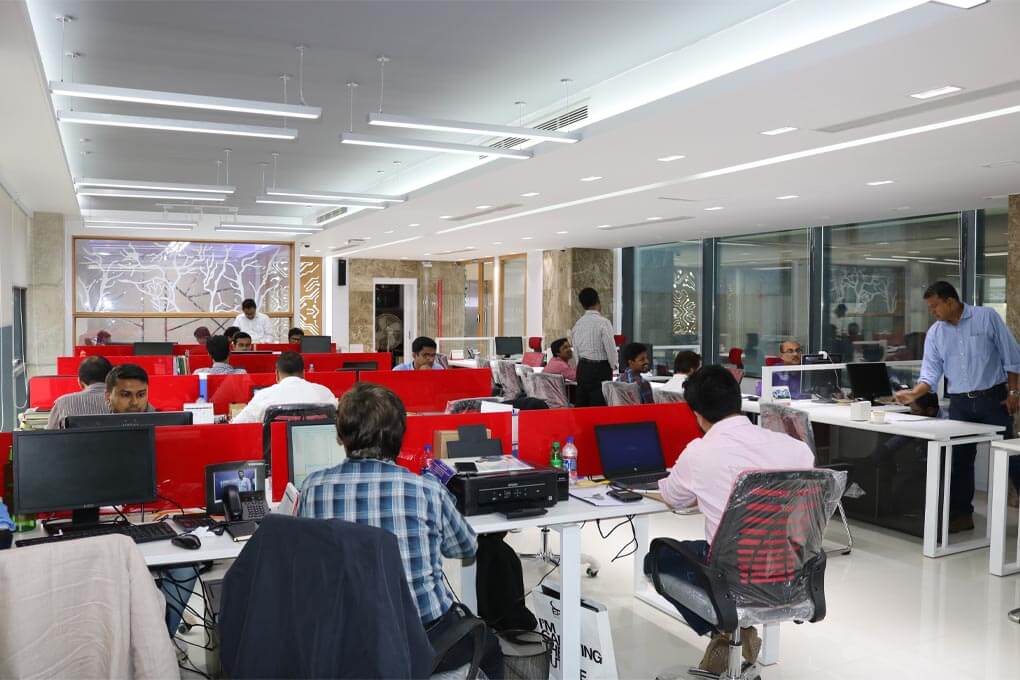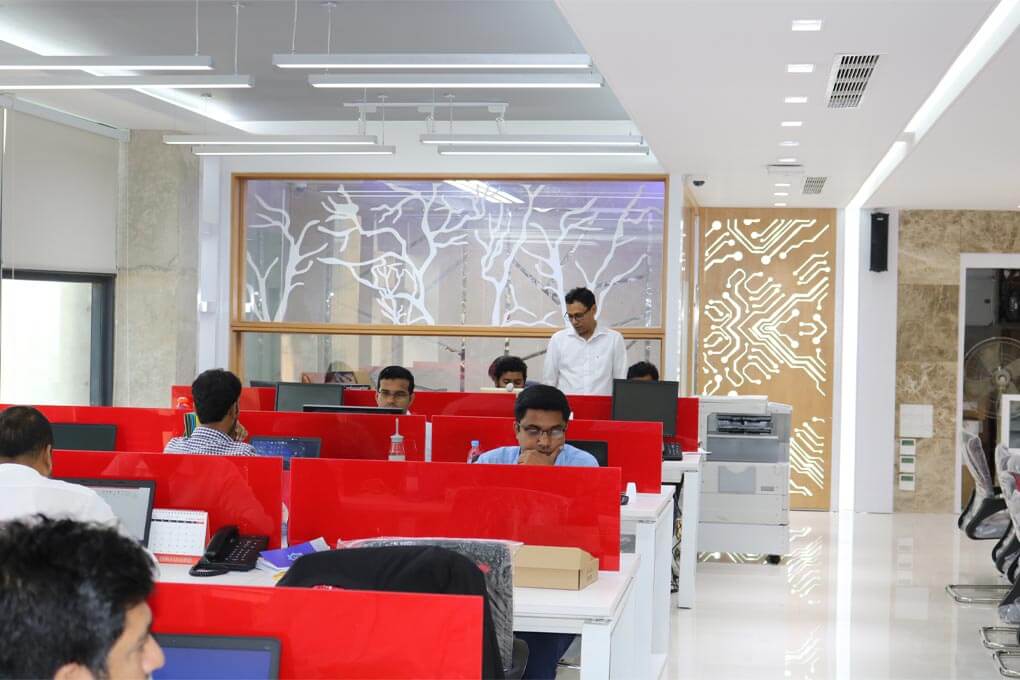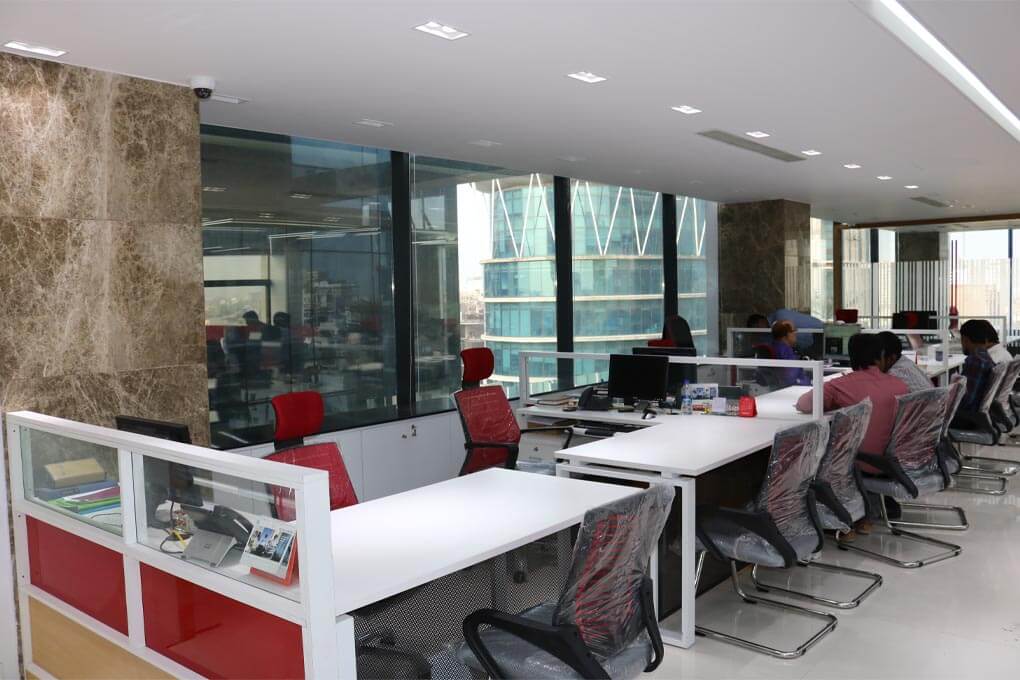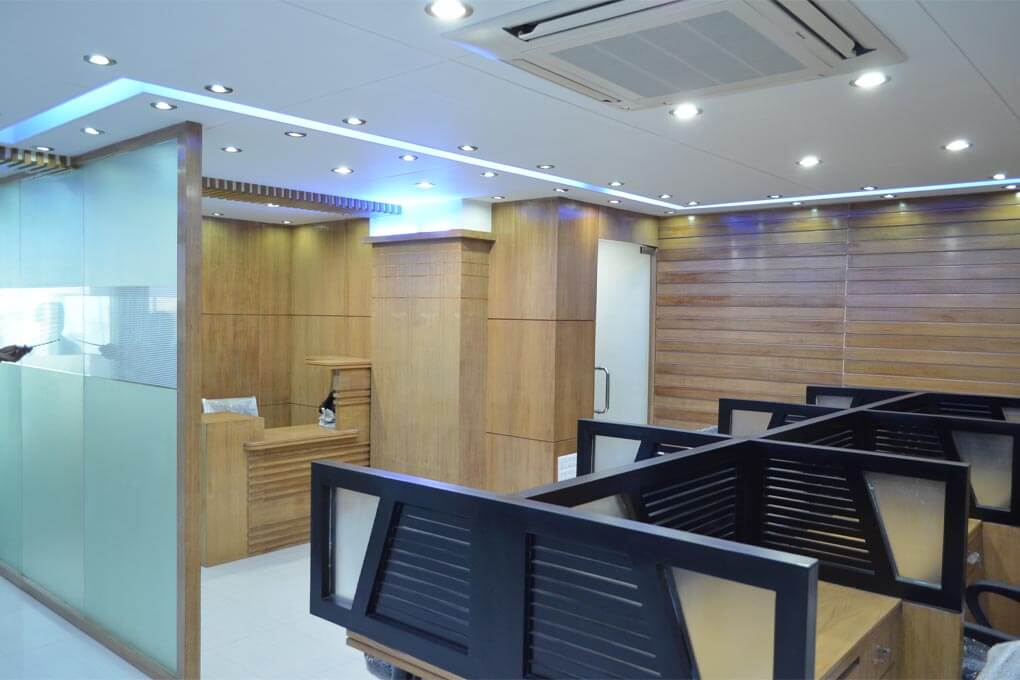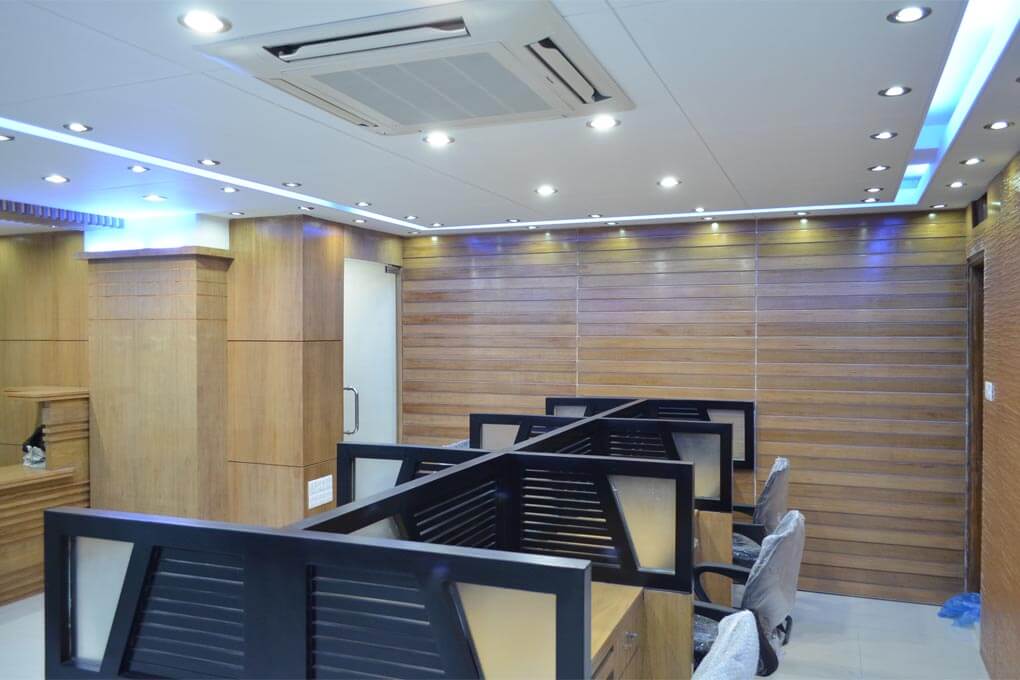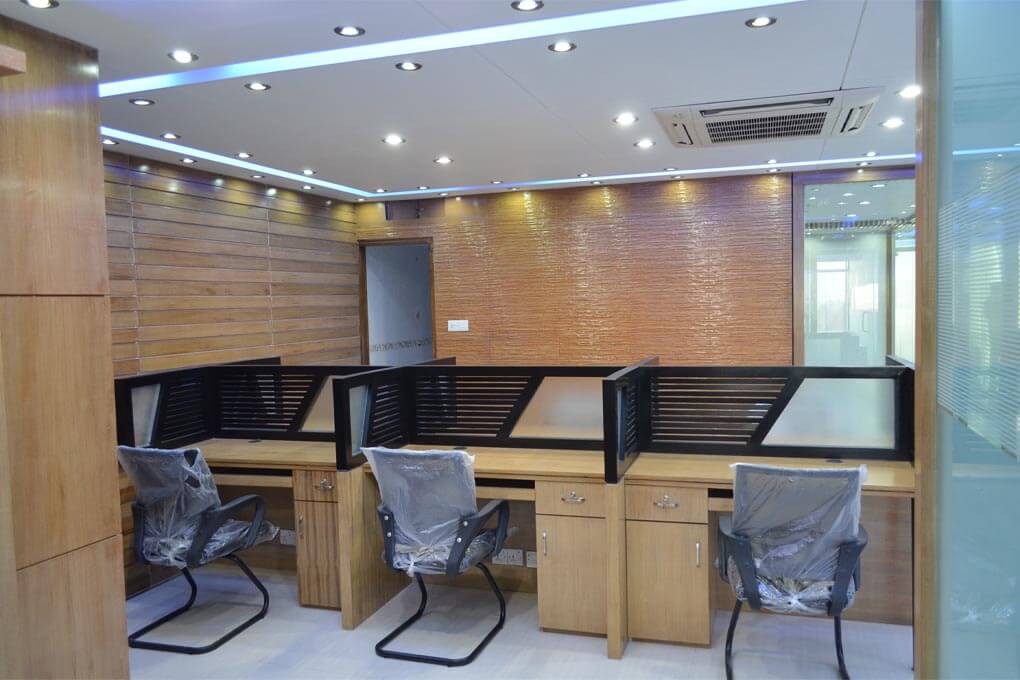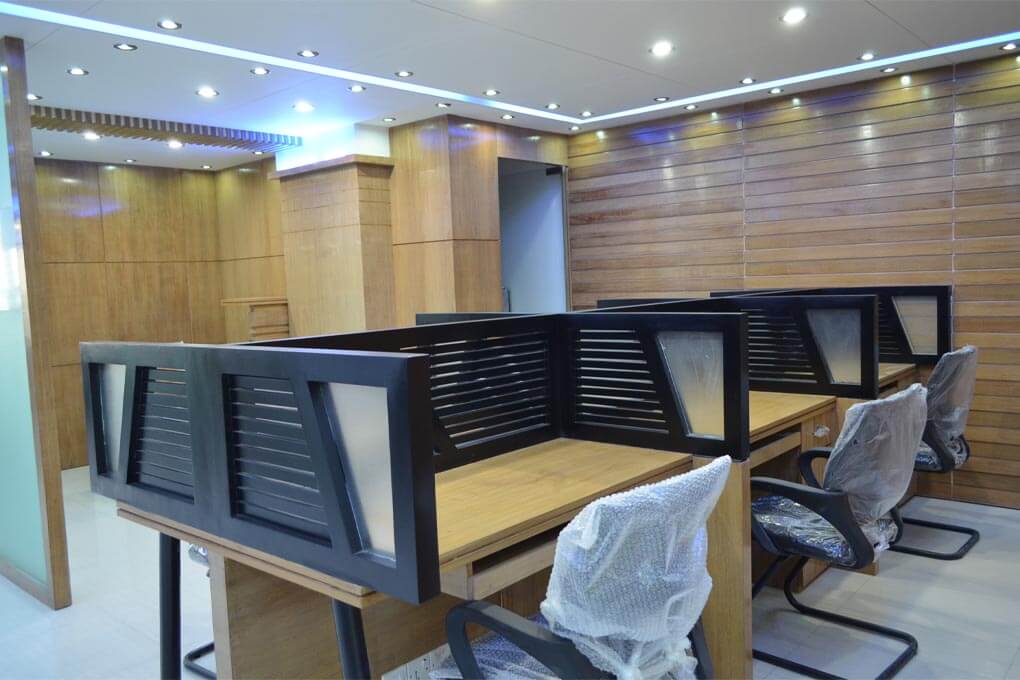




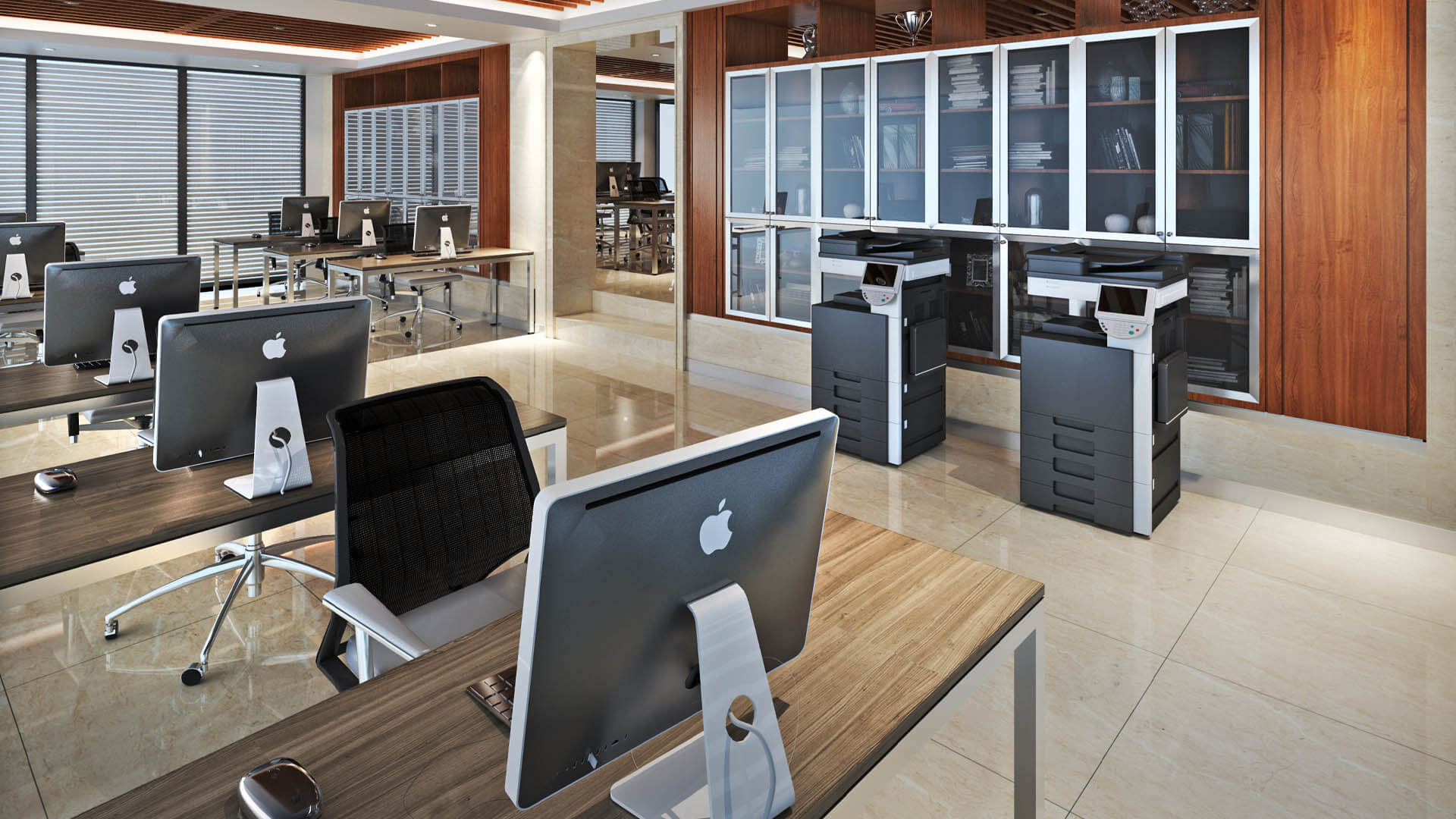
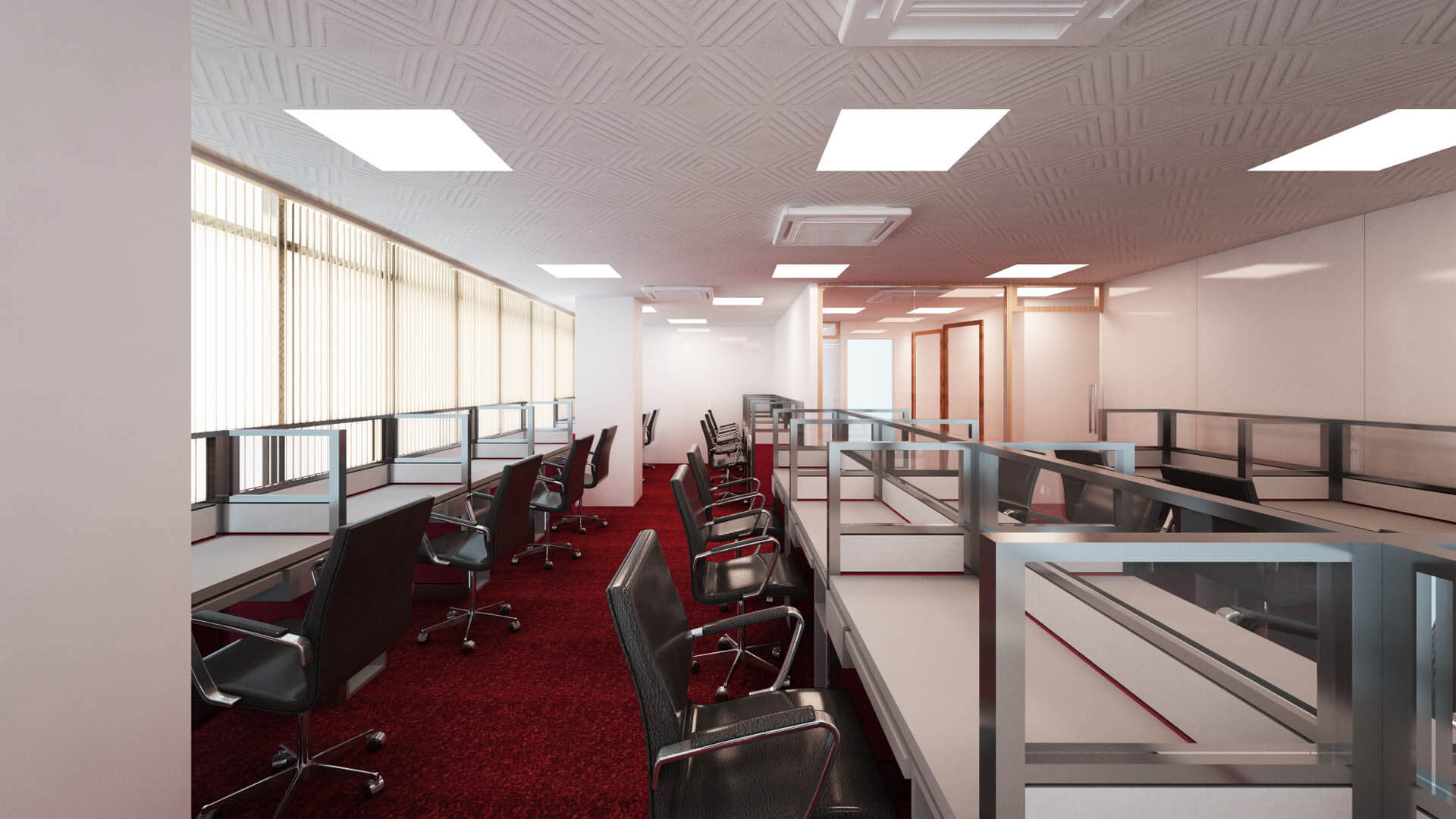
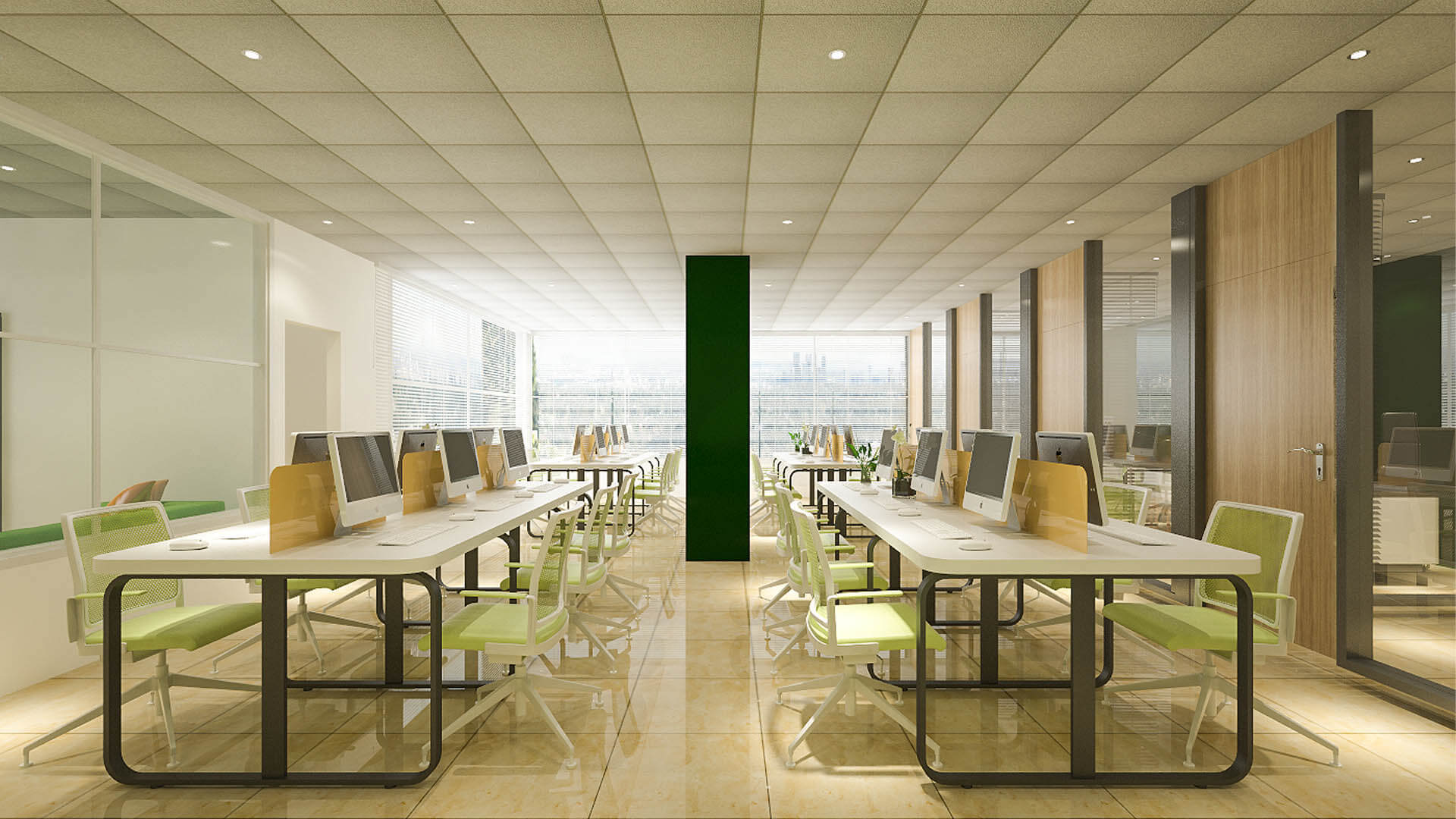
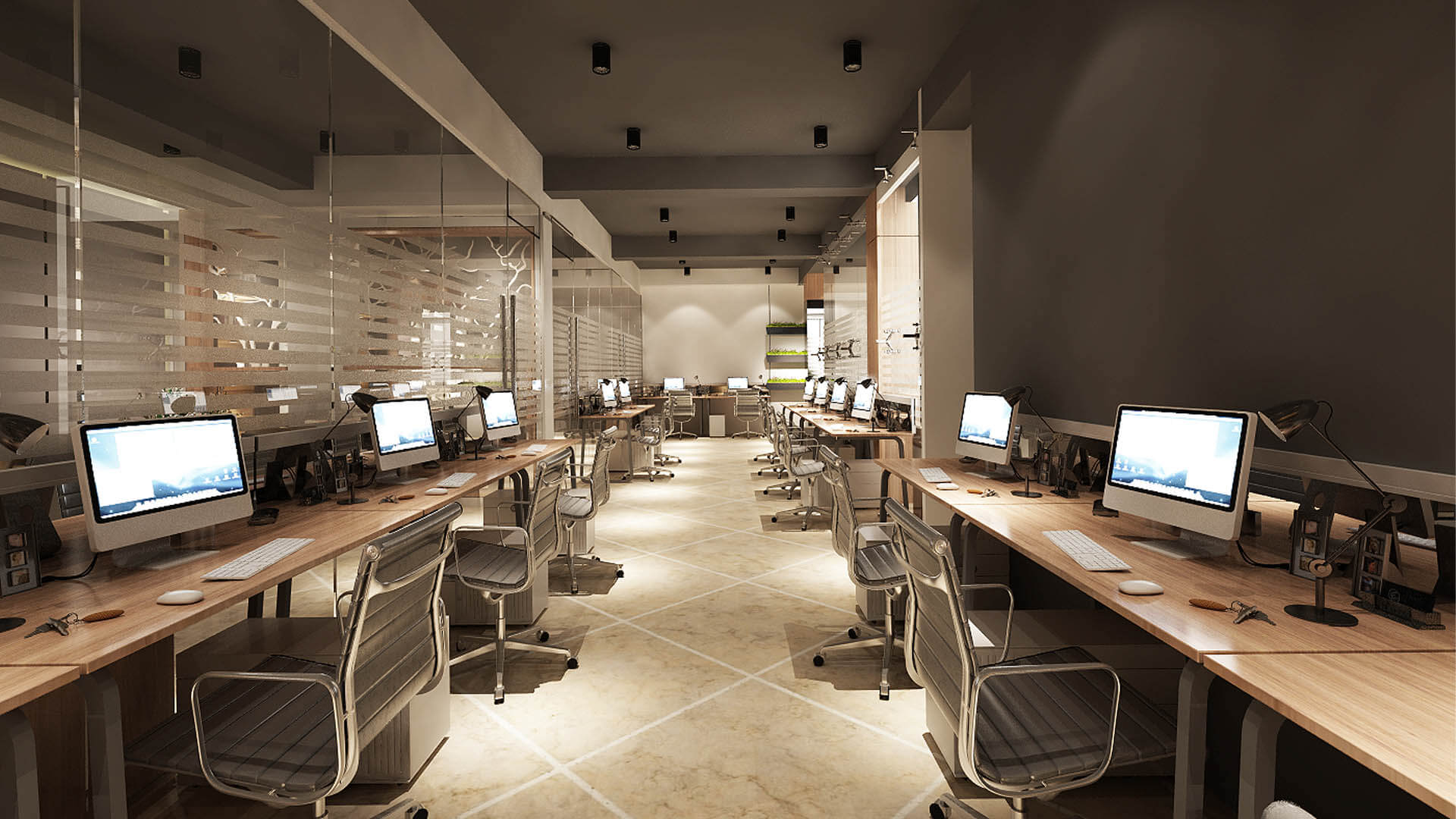
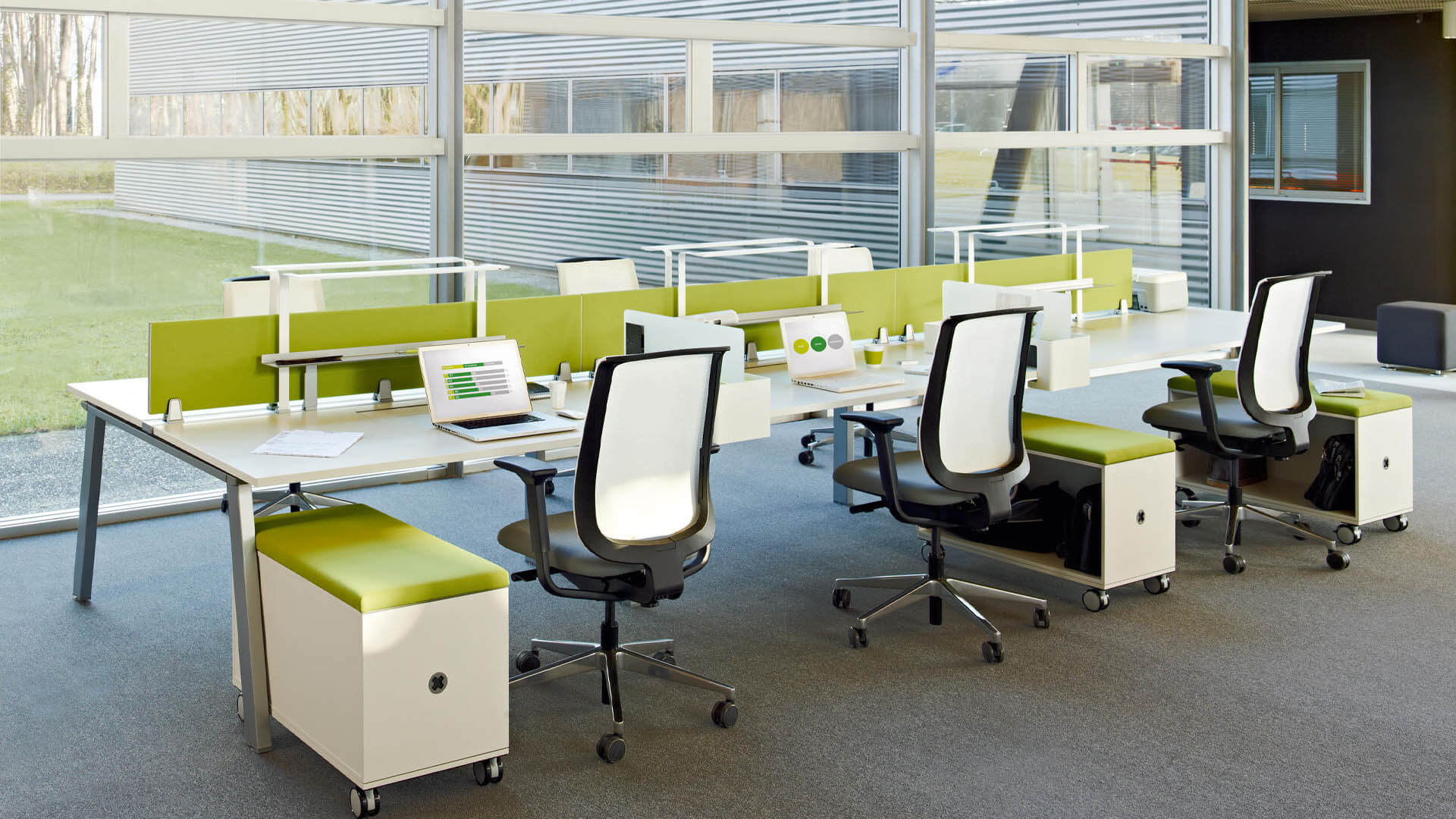
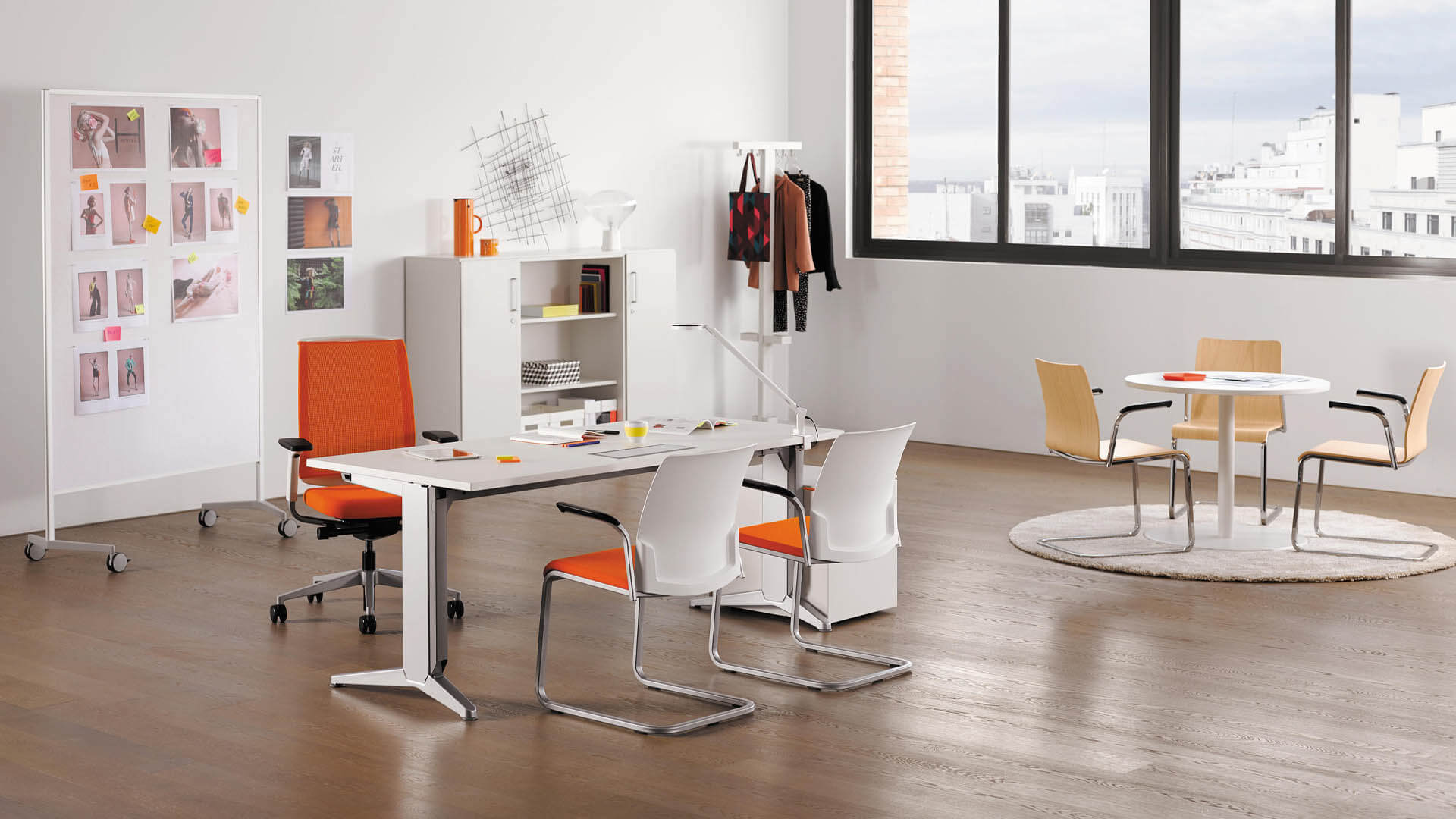

Our Office Workstation Area Design Services
Every business has different workstation requirements. A company with a compact office may prioritize space efficiency, while a larger organization may need modular workstations, dedicated team zones, and additional storage. Our approach considers the office layout and employees’ daily activities before recommending furniture and workstation configurations.
Workstation Layout Planning
Workstation layout planning determines how desks, chairs, partitions, storage, and circulation fit together. A suitable arrangement helps employees access their equipment while maintaining clear routes between work areas, entrances, meeting rooms, and other office facilities.
We consider the available floor area, number of employees, team structure, windows, electrical points, and future expansion requirements. The objective is to use space efficiently without overcrowding desks or restricting movement. A carefully prepared layout also makes it easier to coordinate workstation furniture with the wider office interior.
Customized Office Workstation Furniture
Customized workstation furniture can be designed around the dimensions of the office and the requirements of each team. Options may include individual desks, shared workstation tables, integrated drawers, overhead storage, monitor supports, and desk partitions.
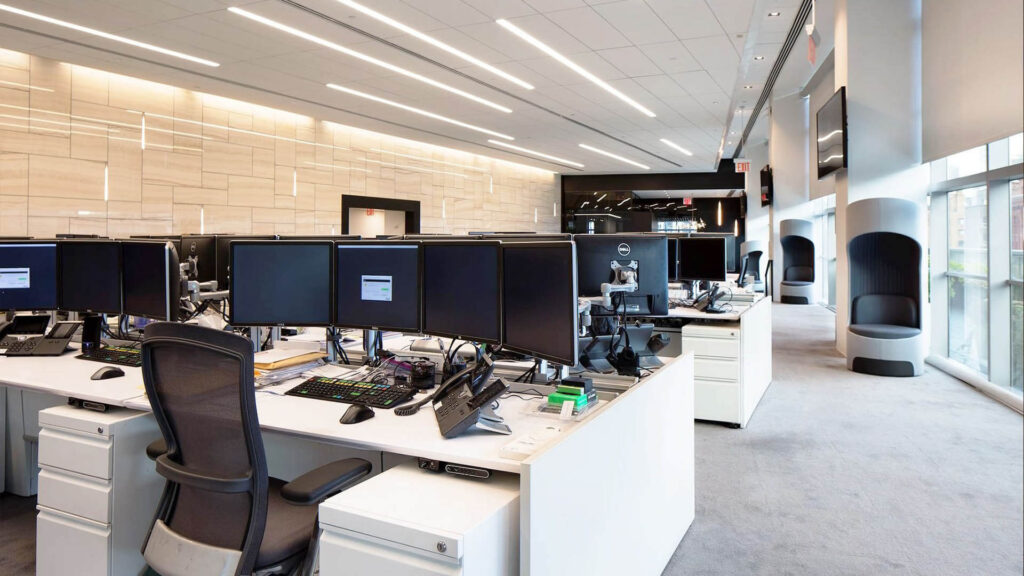
The right configuration depends on the tasks employees perform and the equipment they use. Employees who work with multiple monitors or physical documents may need a different desk arrangement from those using laptops and compact equipment. Customization helps align desk dimensions, storage, finishes, and accessories with the intended work environment.
Modular Office Workstation Design
Modular workstations use components that can be arranged or reconfigured to suit different office layouts. They are useful for businesses that anticipate changes in team size, department structure, or working practices.
Depending on the system, modular desks may be arranged in rows, clusters, shared benches, or separated work zones. Integrated partitions and storage can help organize individual work areas. The design should consider connection points, furniture compatibility, stability, and the practicality of changing the layout in the future.
Workstation Partitions and Privacy Solutions
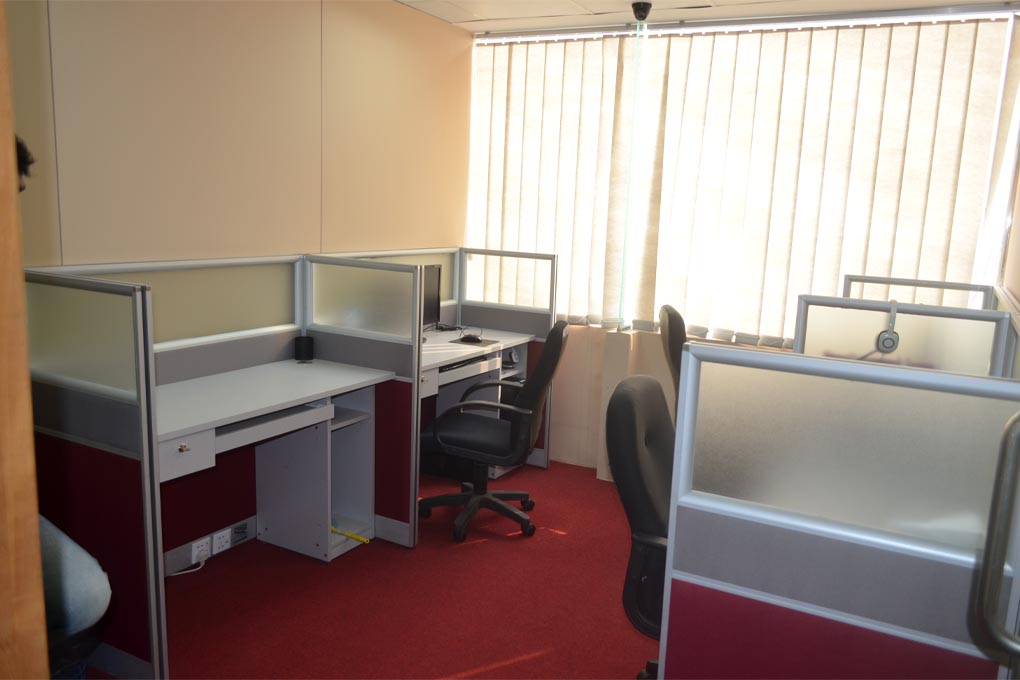
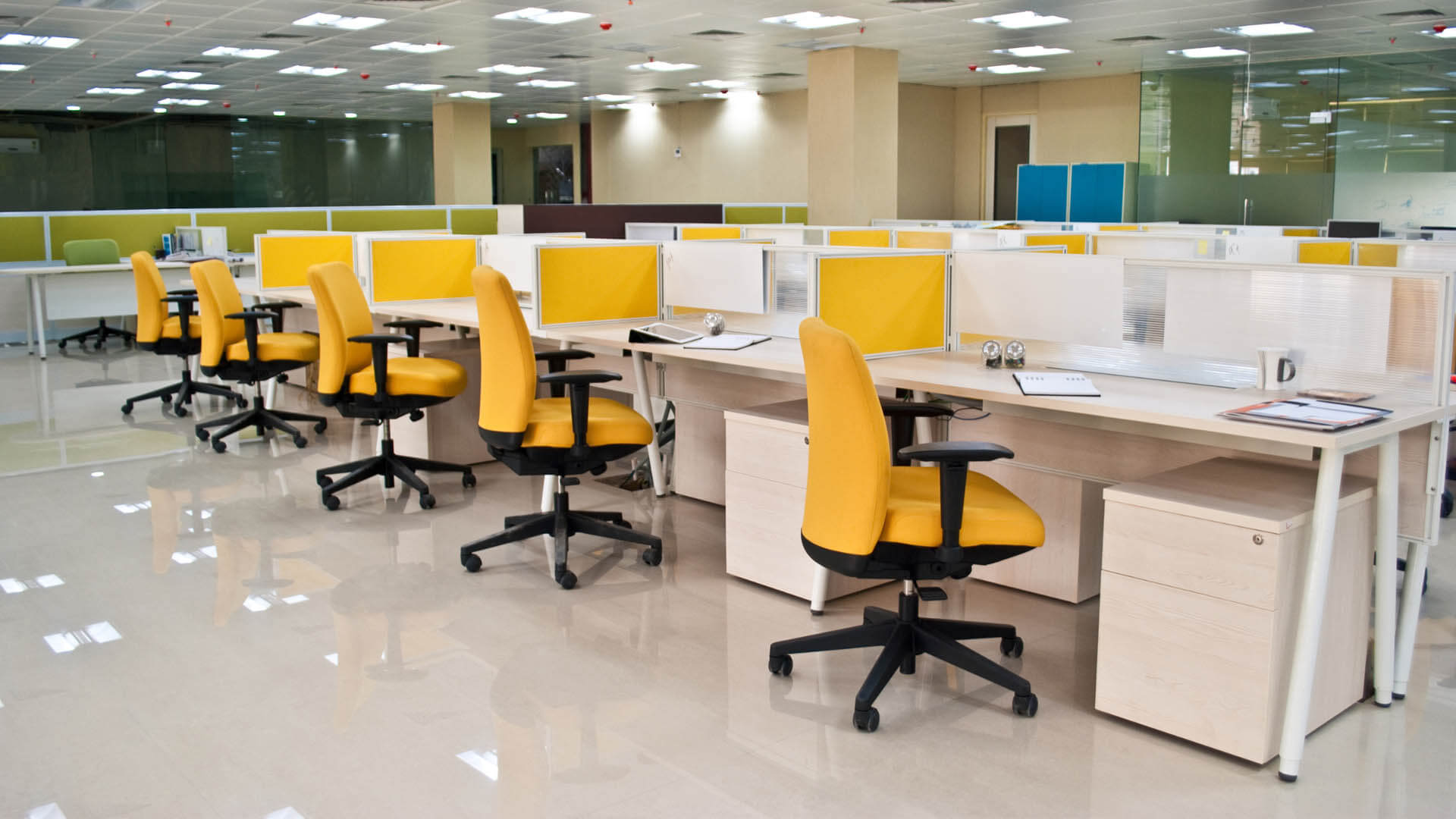
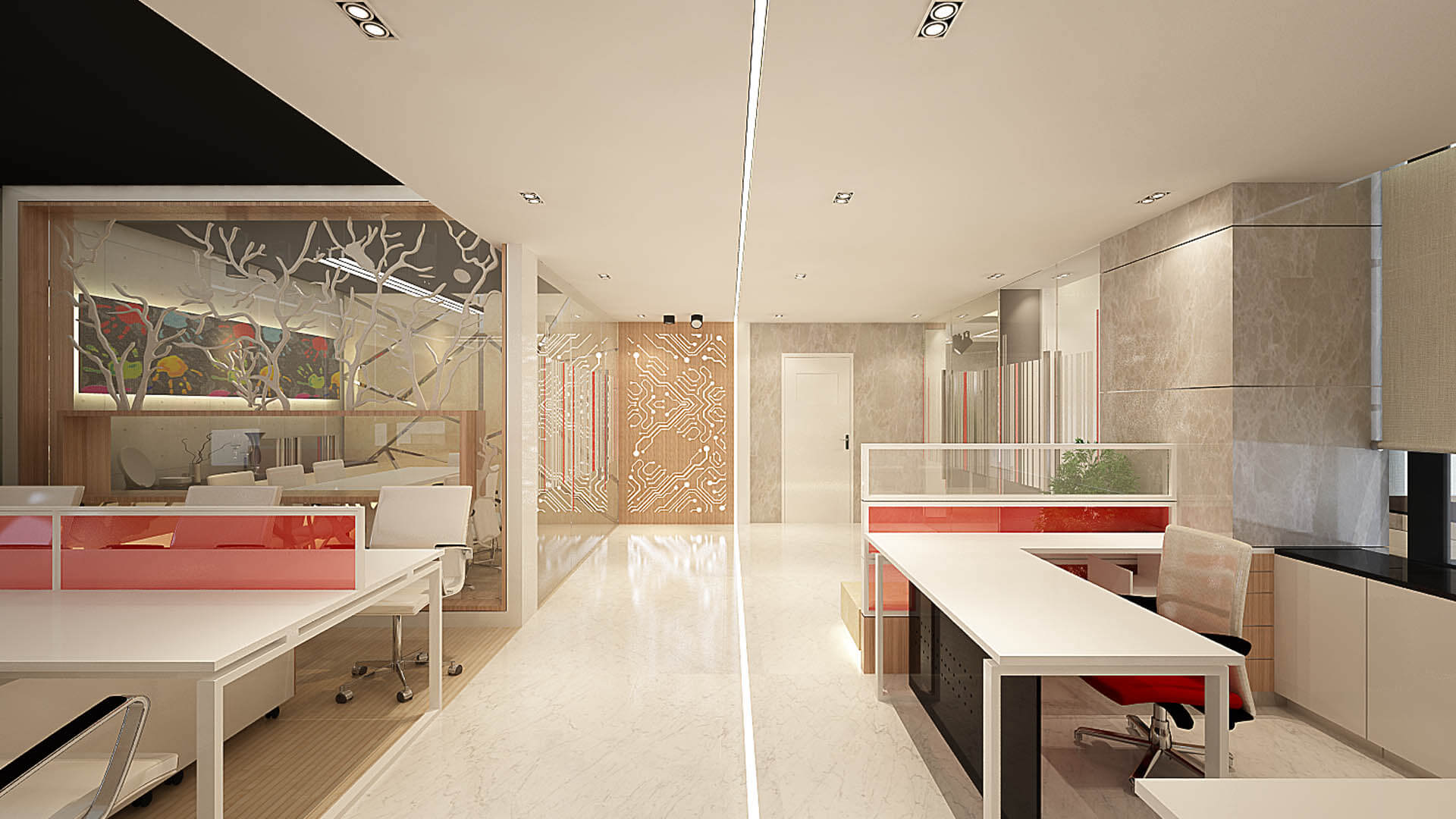
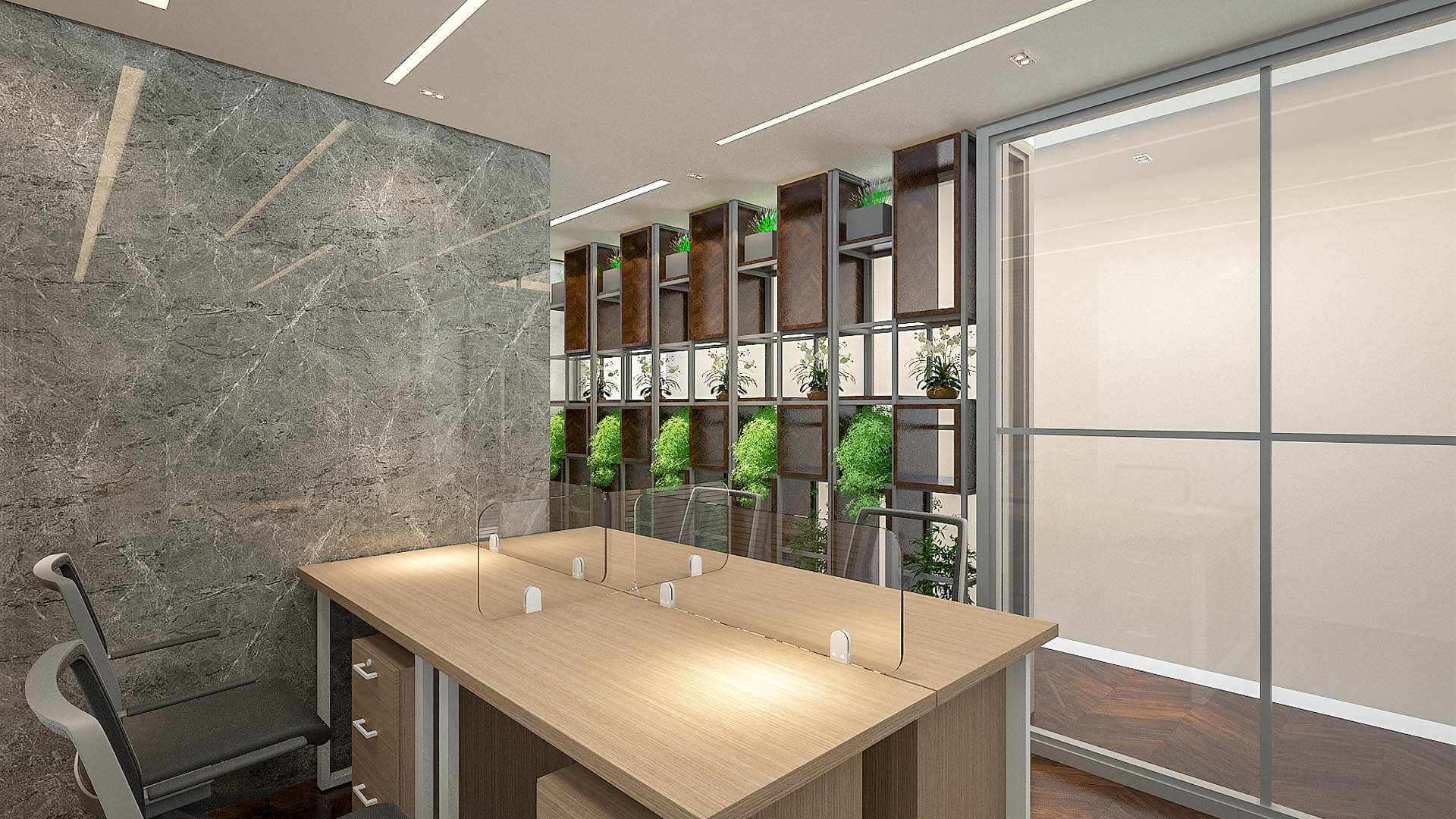
Partitions help define individual workspaces and provide visual separation between employees. Depending on the requirements, a workstation may use low desk dividers, fabric panels, glass screens, or other suitable partition systems.
The right option balances collaboration with concentration. Lower dividers can maintain an open appearance, while higher partitions may provide more visual separation. However, workstation partitions do not automatically provide complete acoustic privacy. Businesses that handle confidential calls or sensitive information may need separate enclosed rooms or additional acoustic measures.
Storage and Cable Management
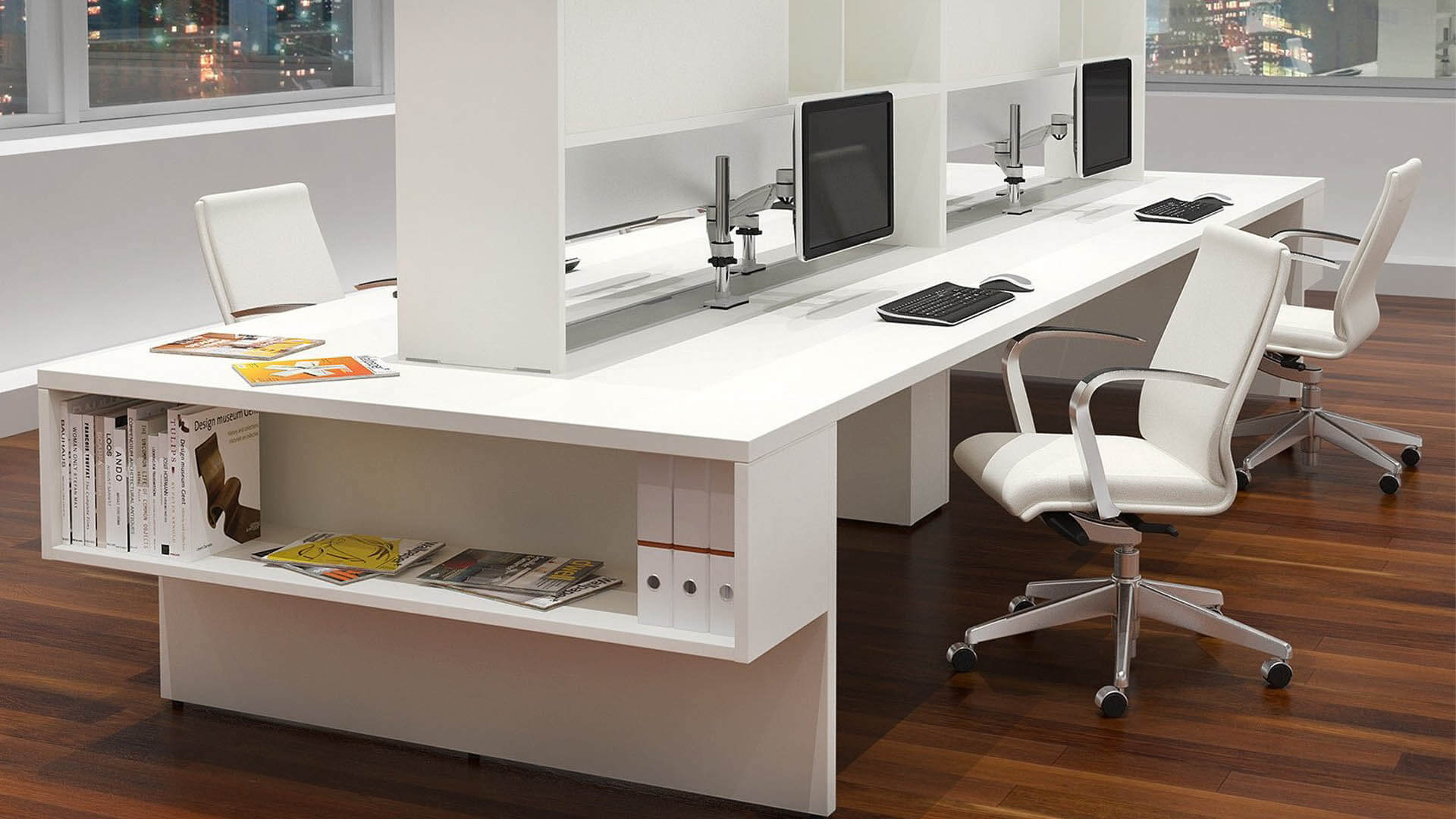
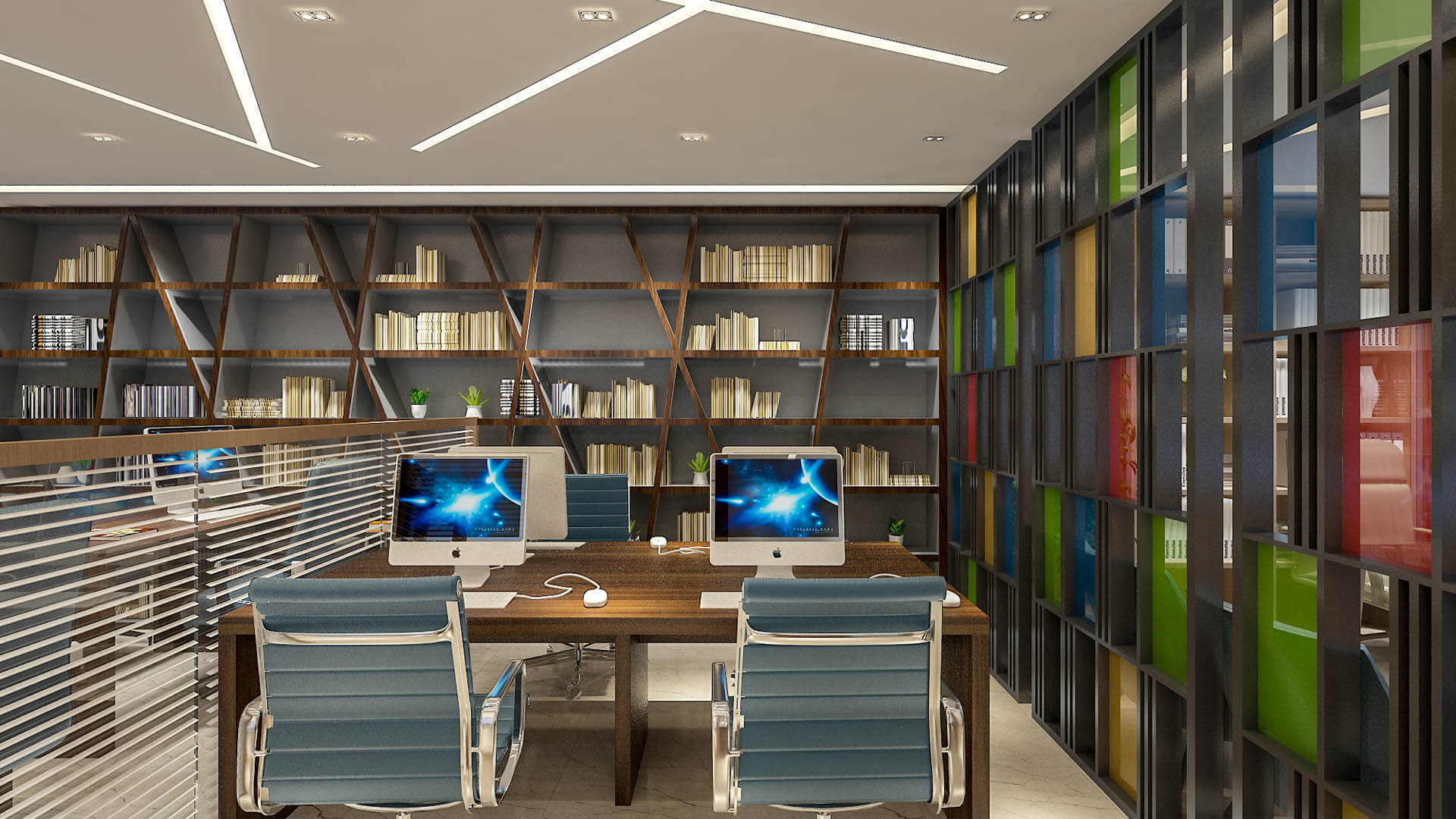
A functional workstation should provide convenient storage for documents, stationery, personal belongings, and frequently used equipment. Drawers, under-desk cabinets, shared storage units, and shelves can help keep work surfaces organized without occupying unnecessary floor space.
Cable management is equally important. Power outlets, network connections, monitor cables, charging points, and equipment should be coordinated with the desk arrangement. Suitable cable trays, grommets, and accessible connection points can reduce clutter and make maintenance easier. Electrical installations should be planned and completed by qualified professionals where required.
Types of Office Workstation Layouts
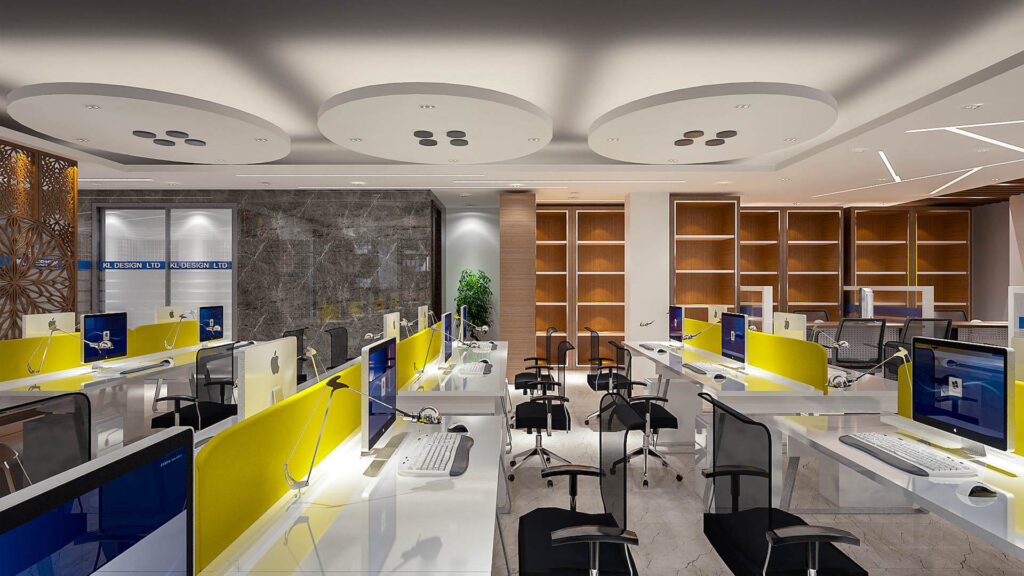
The best workstation configuration depends on the number of employees, available space, collaboration needs, equipment, and privacy requirements. These common layouts can be adapted to different business environments.
Linear Workstation Layout
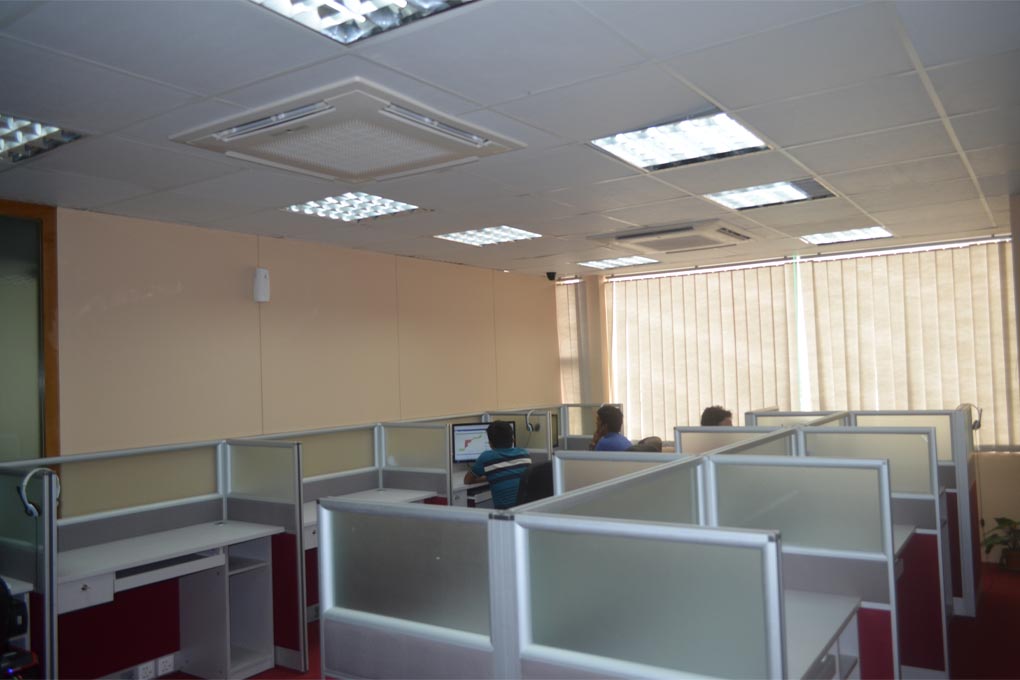
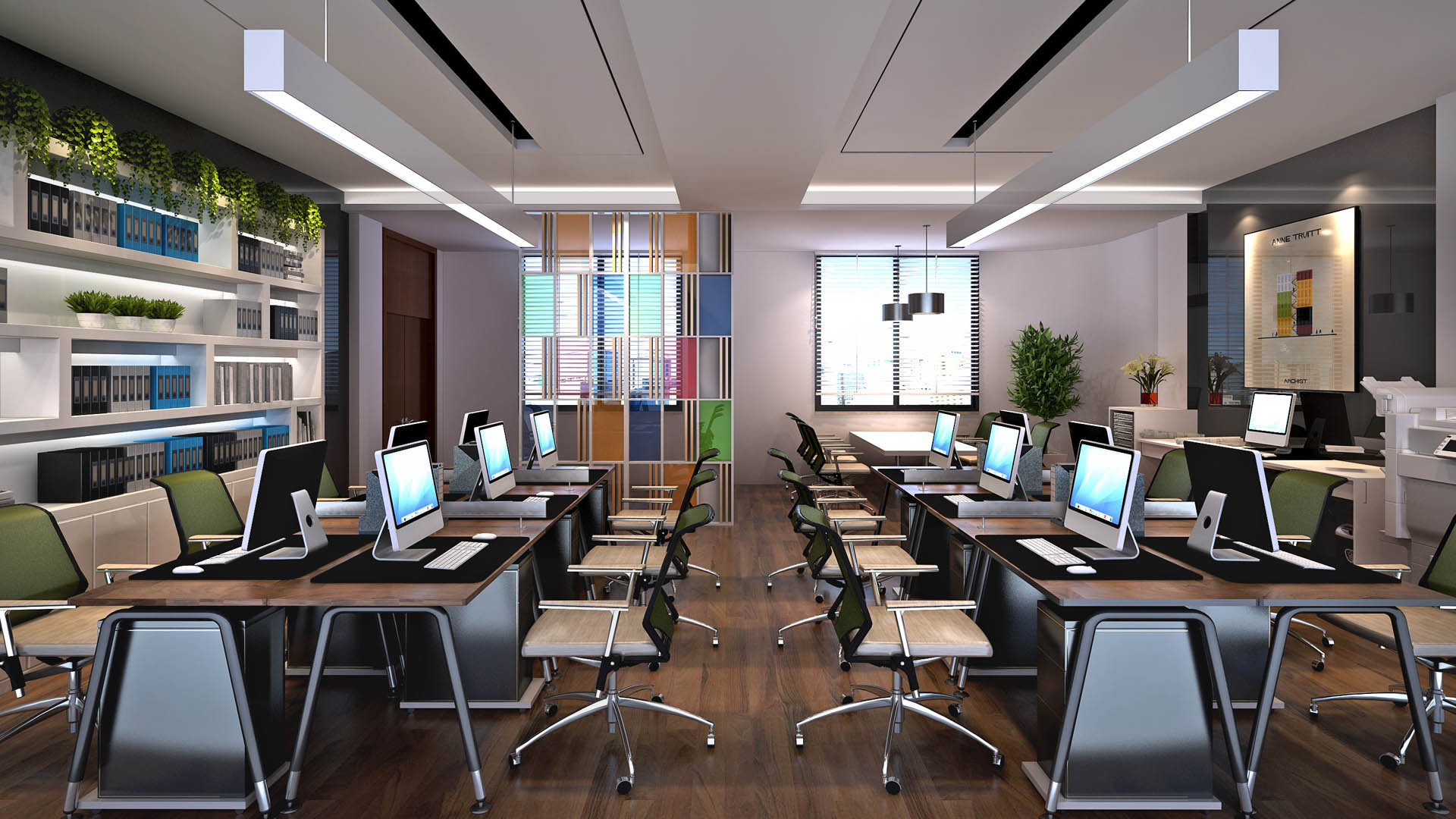
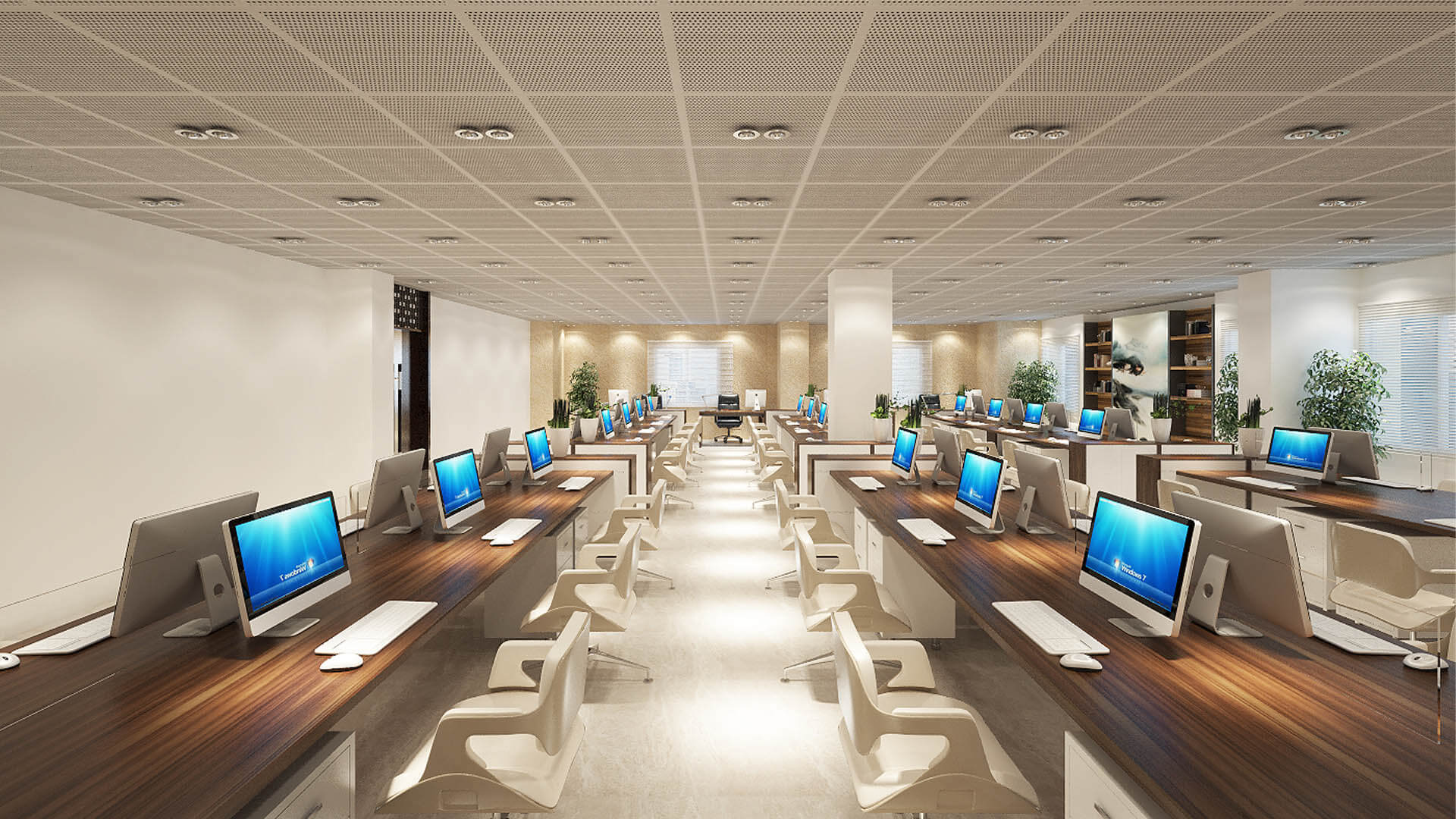
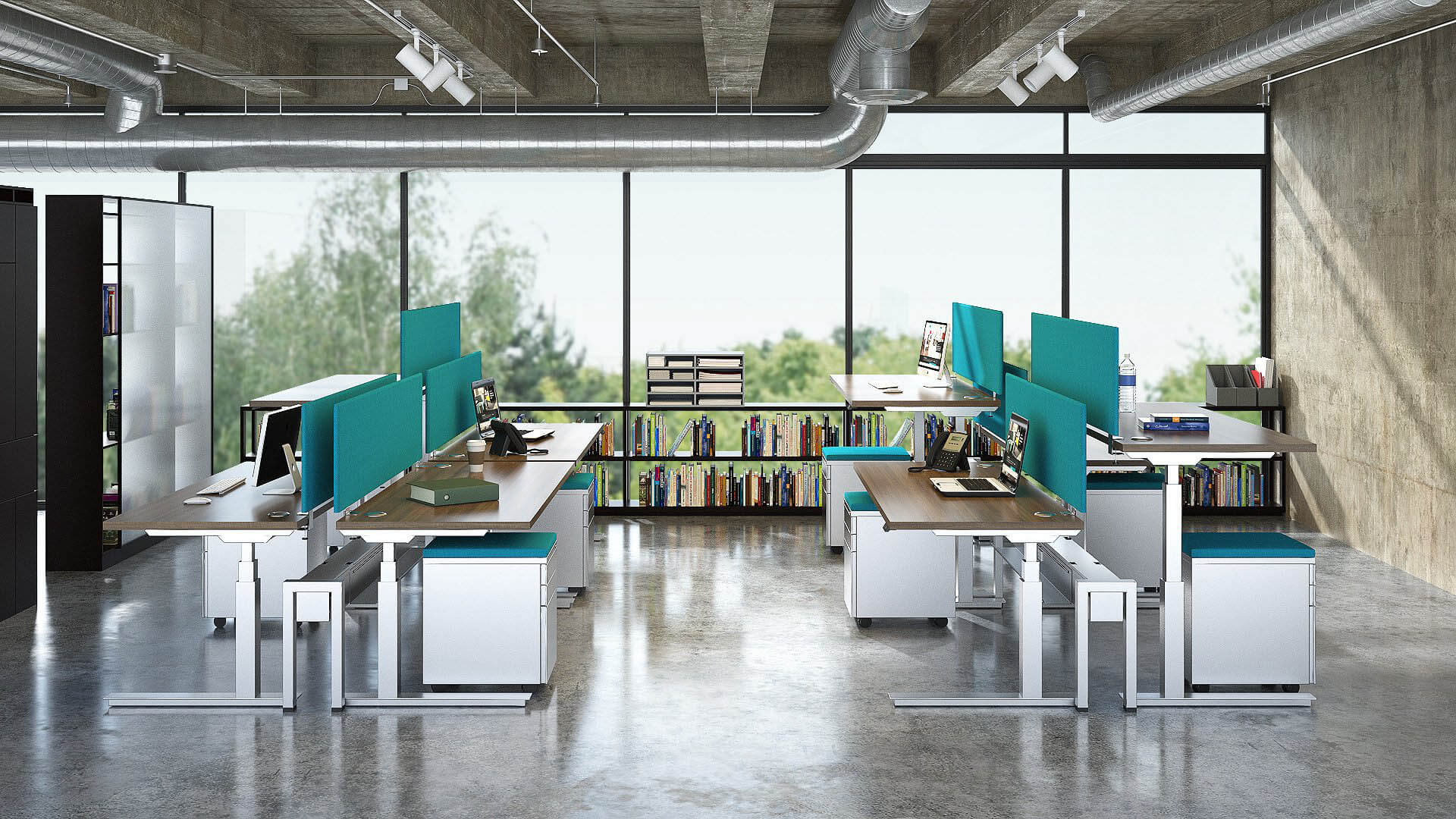
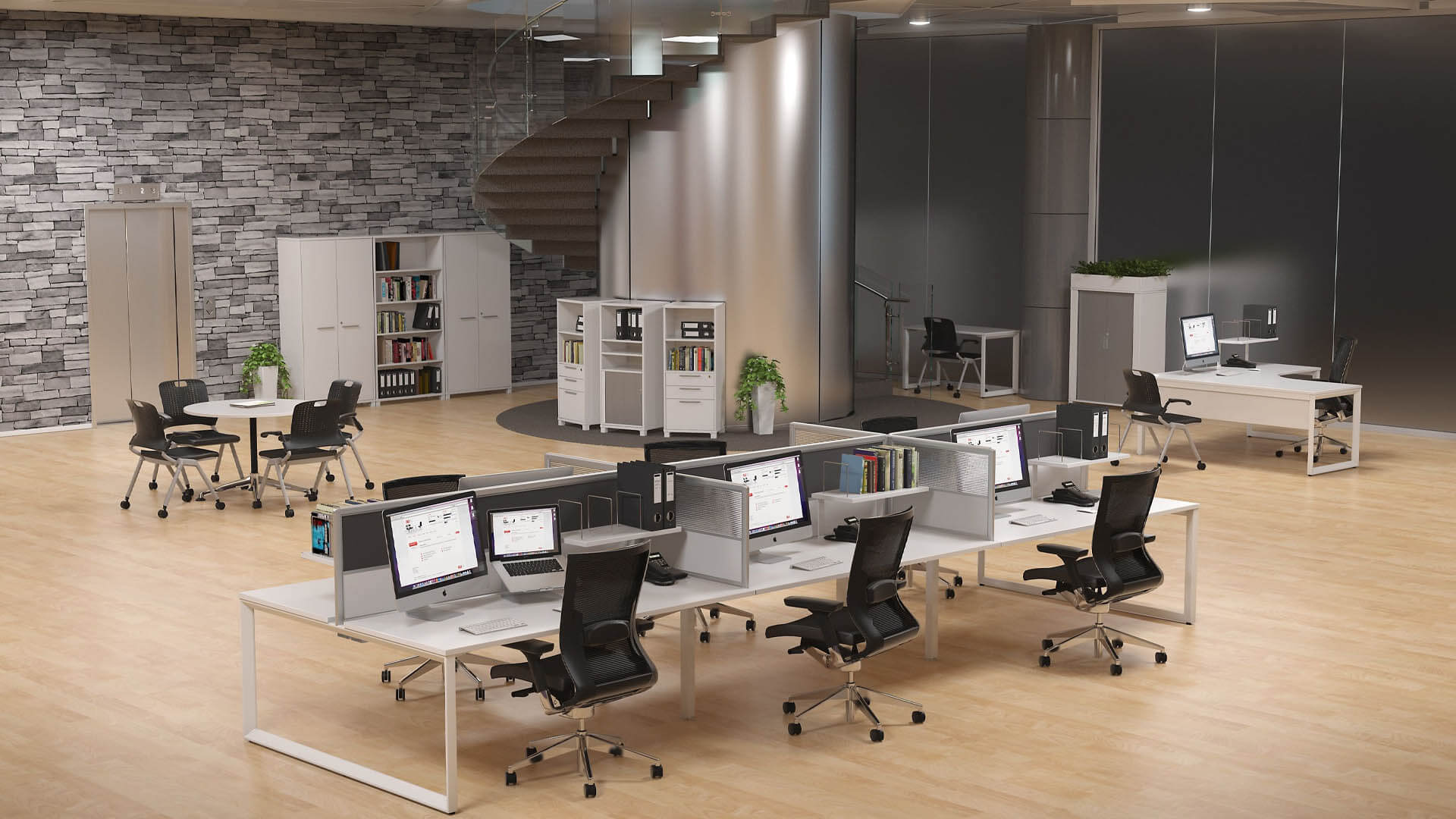
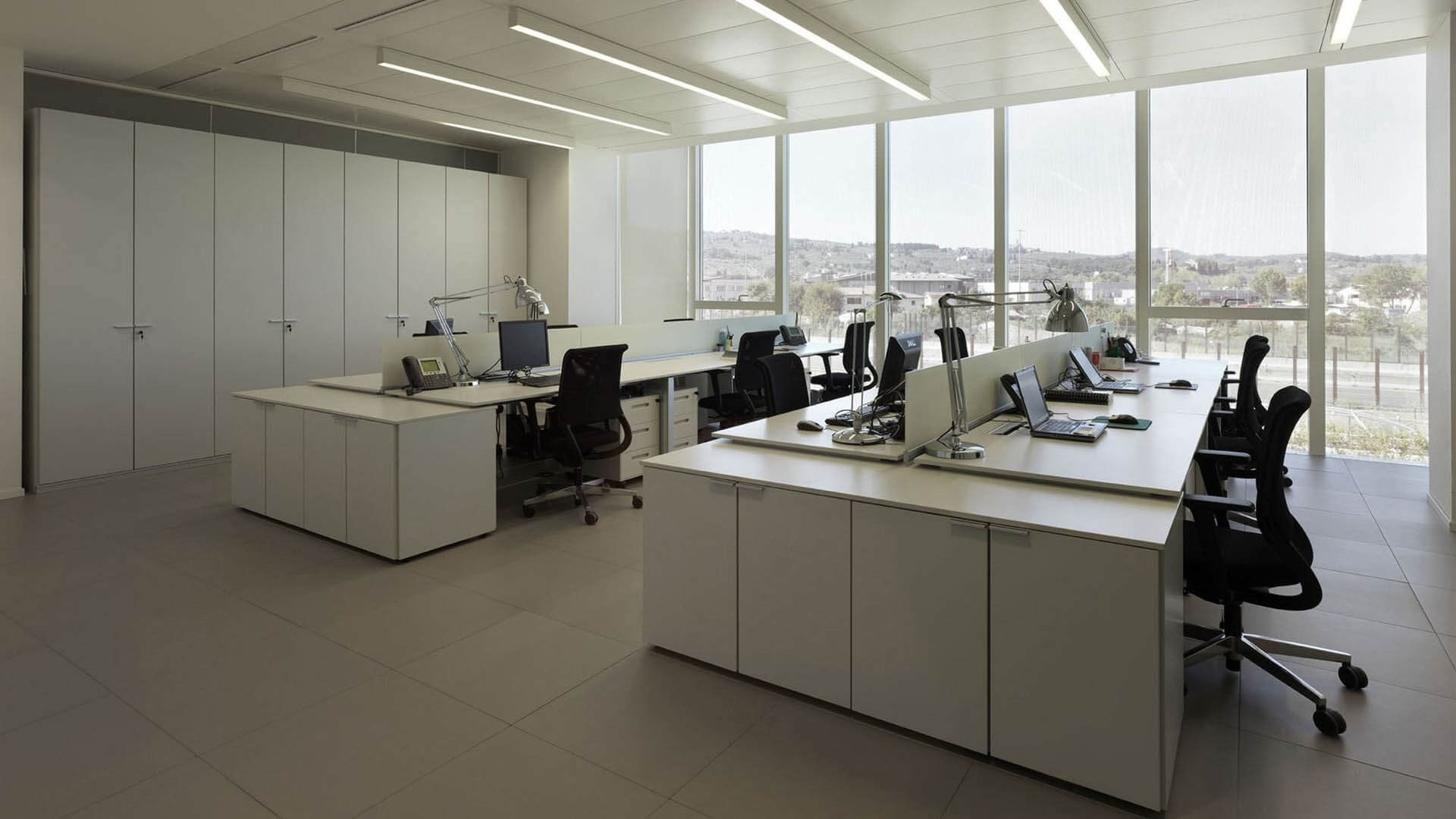
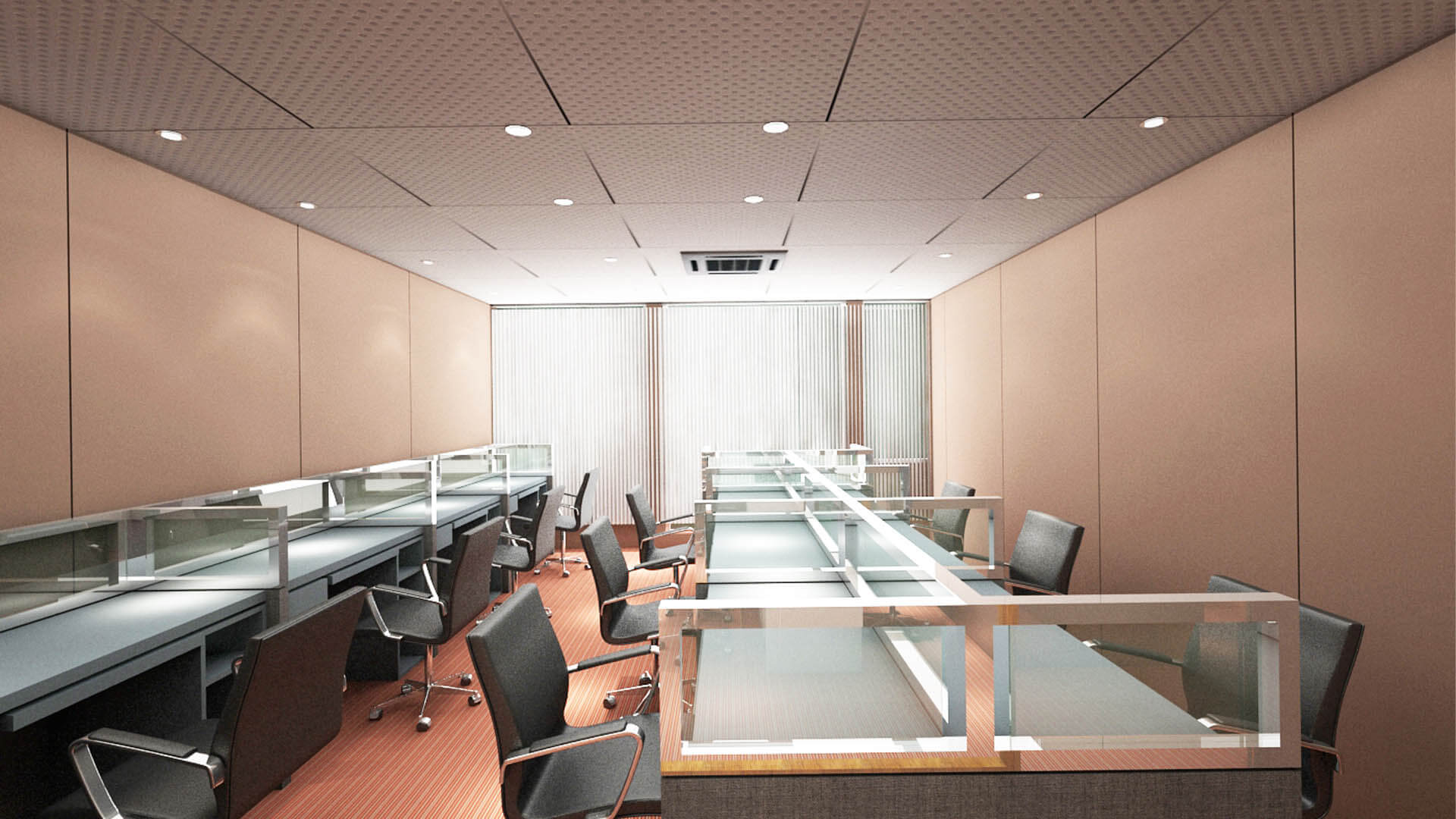
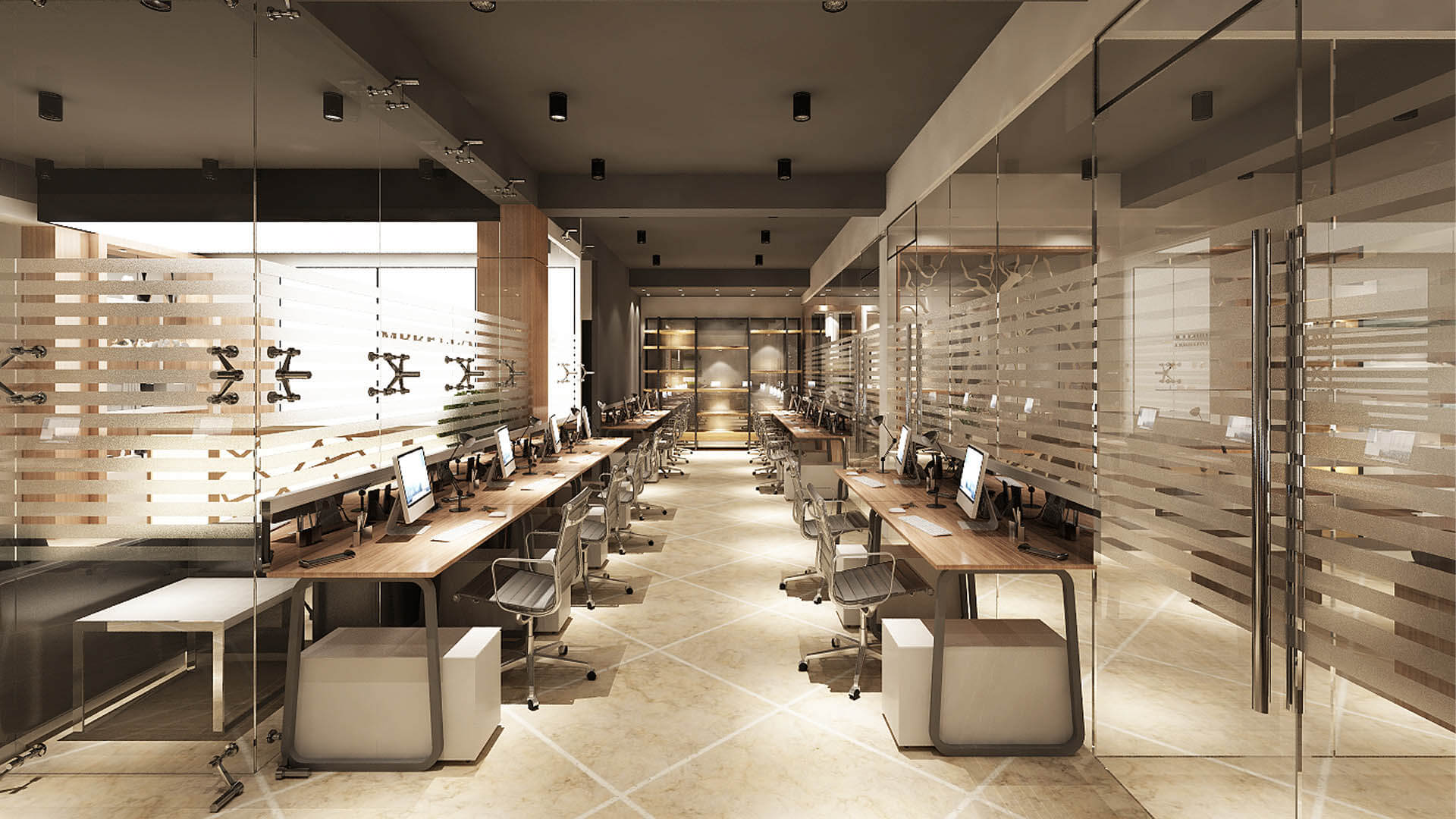
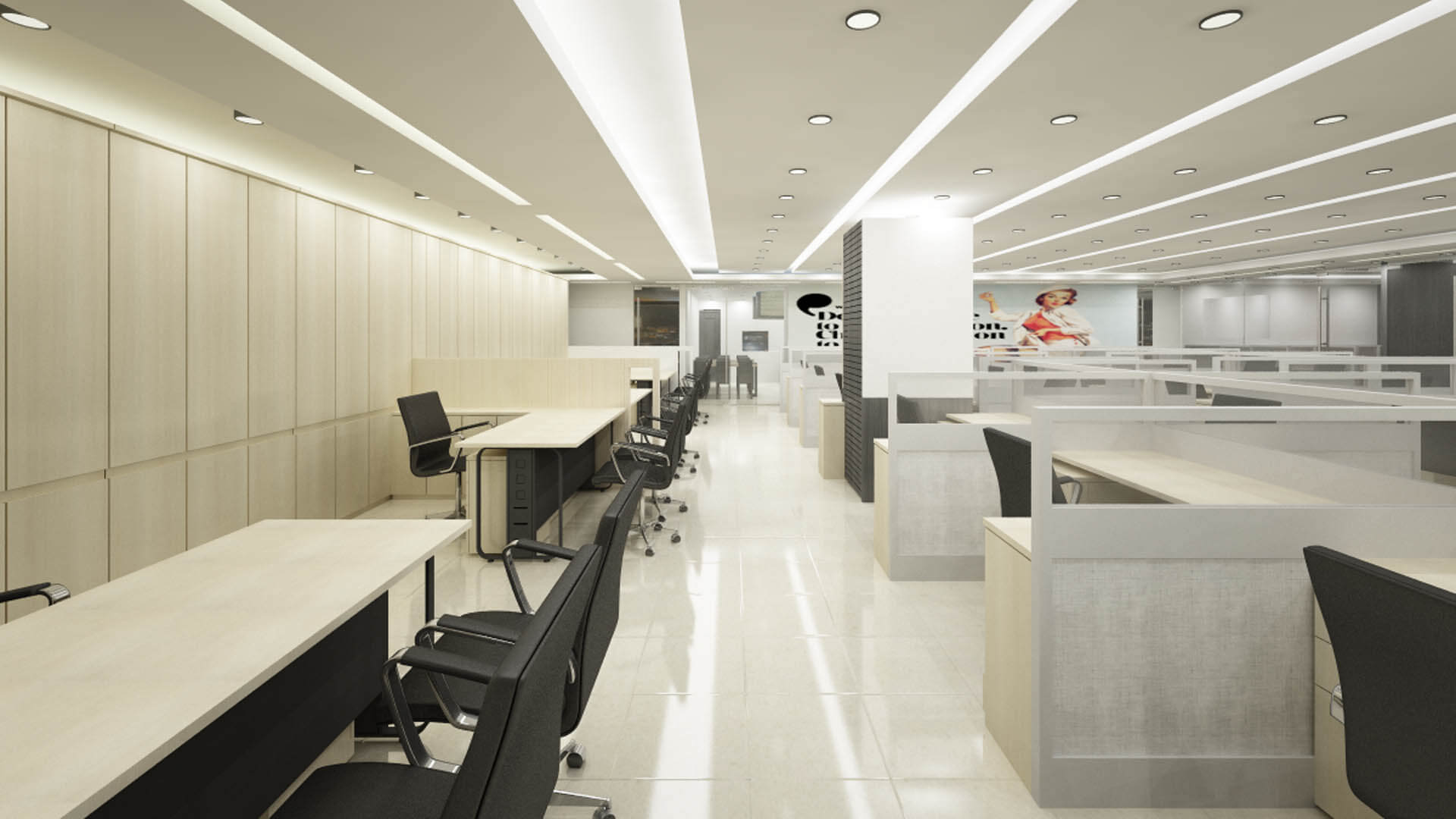
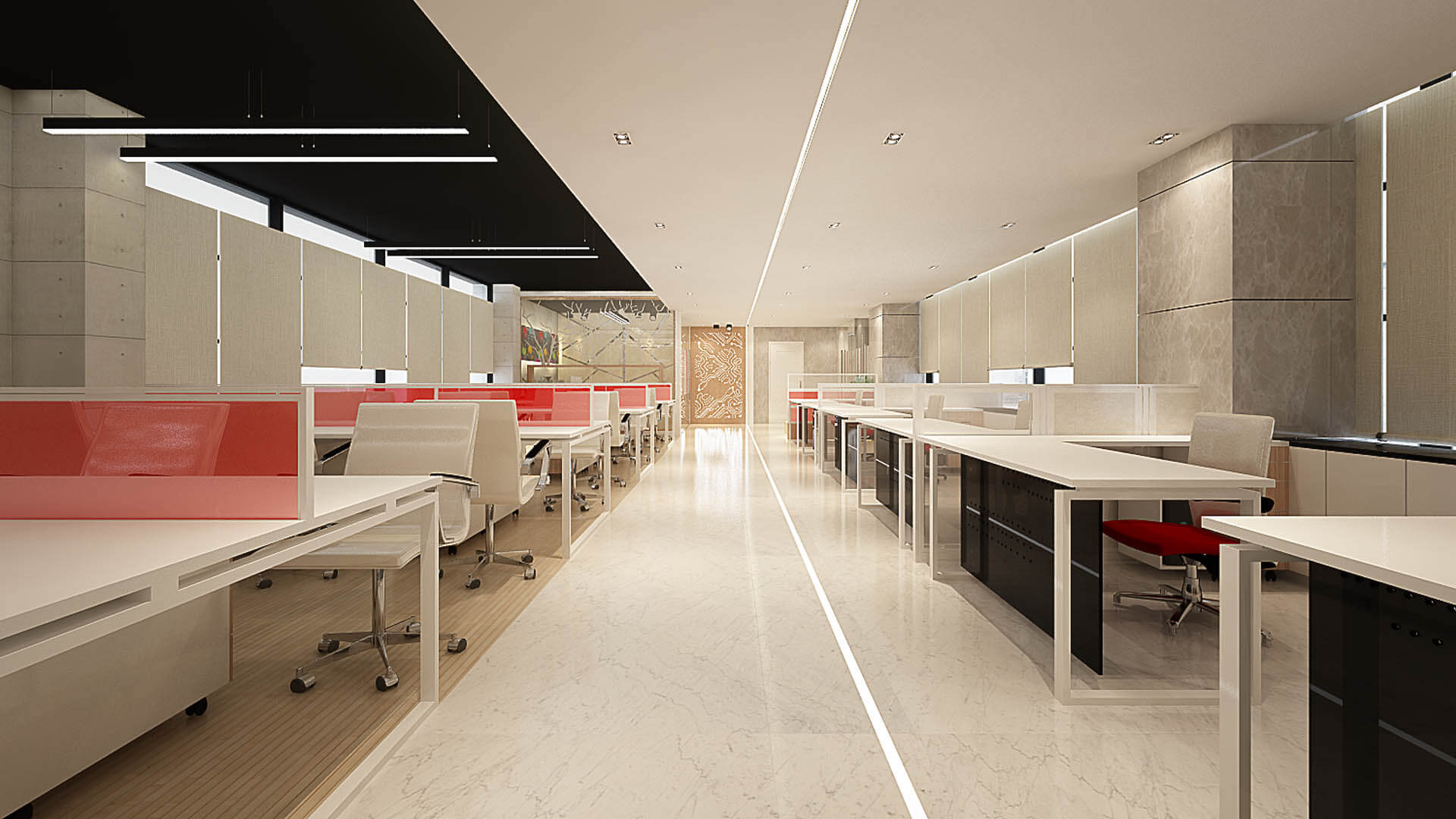
Linear workstations arrange desks in rows, creating a straightforward layout that can be suitable for teams performing similar tasks. This configuration can simplify furniture planning and help organize power and data connections along defined desk lines.
The layout should allow adequate movement between rows and provide convenient access to shared equipment. Desk orientation should also consider daylight, screen glare, and the location of entrances and circulation routes.
Bench-Style Workstations
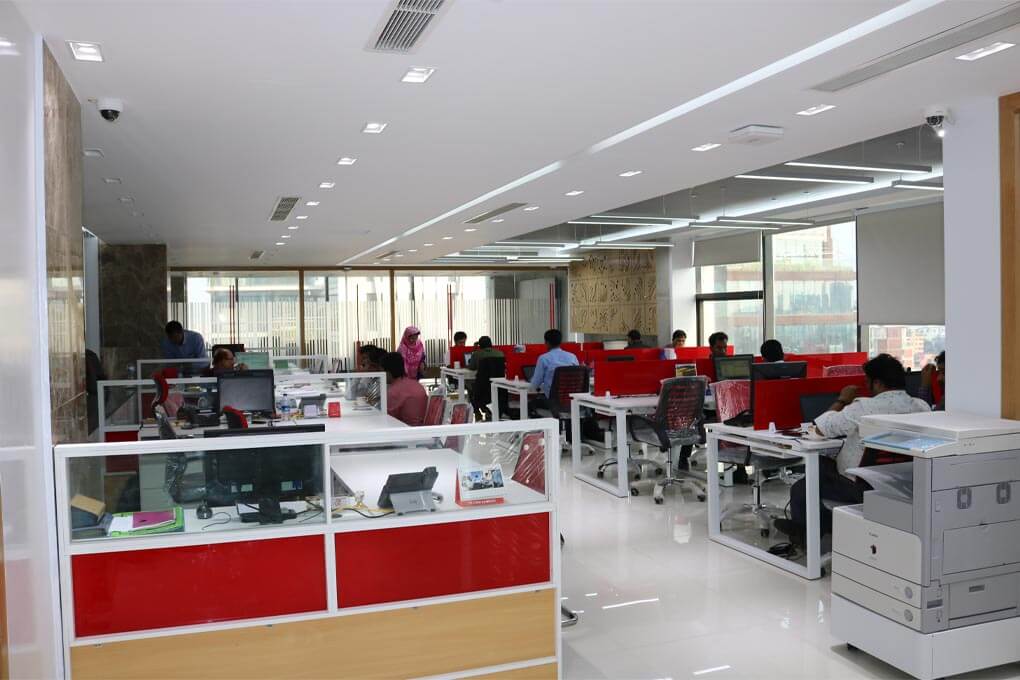
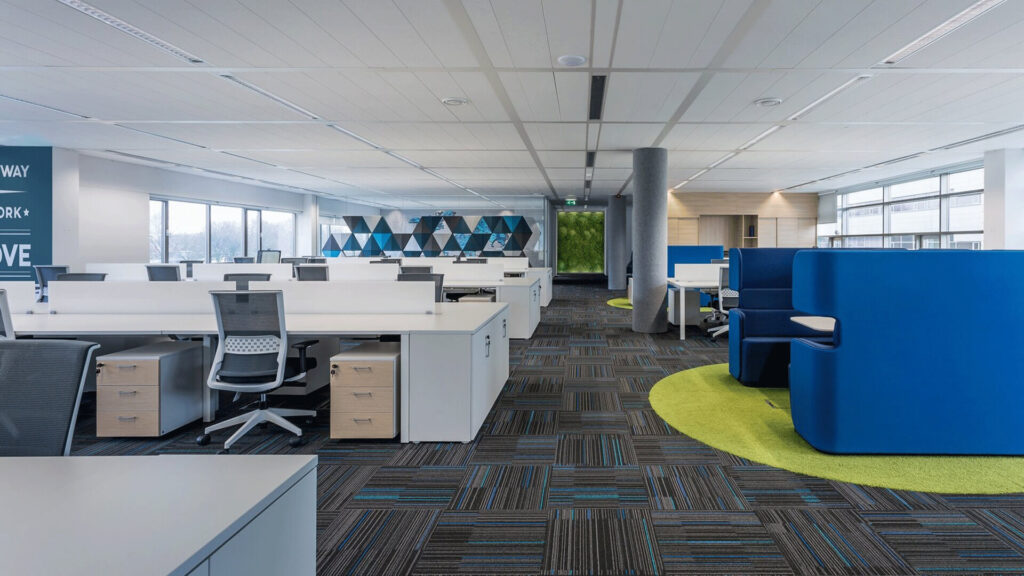
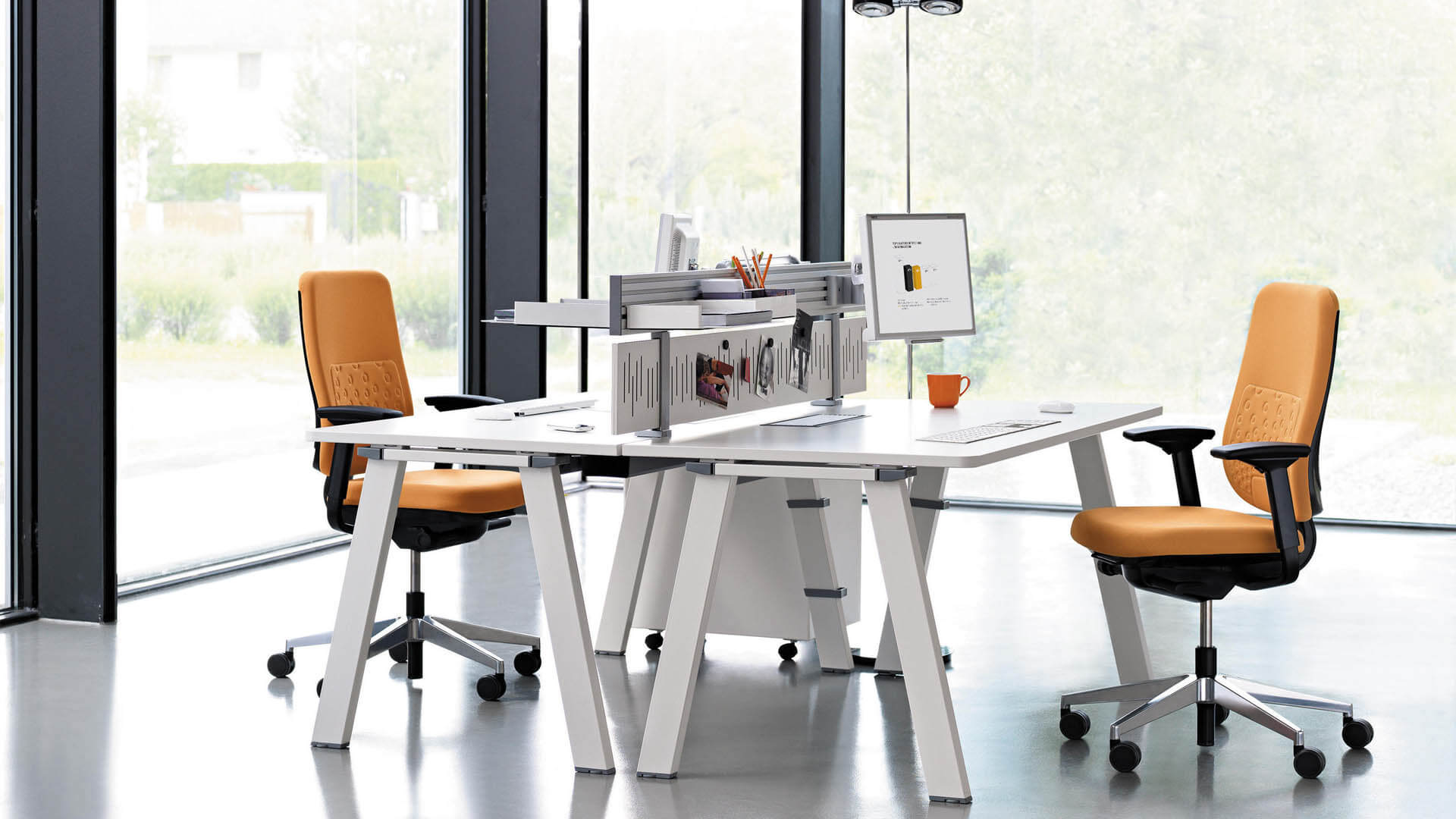
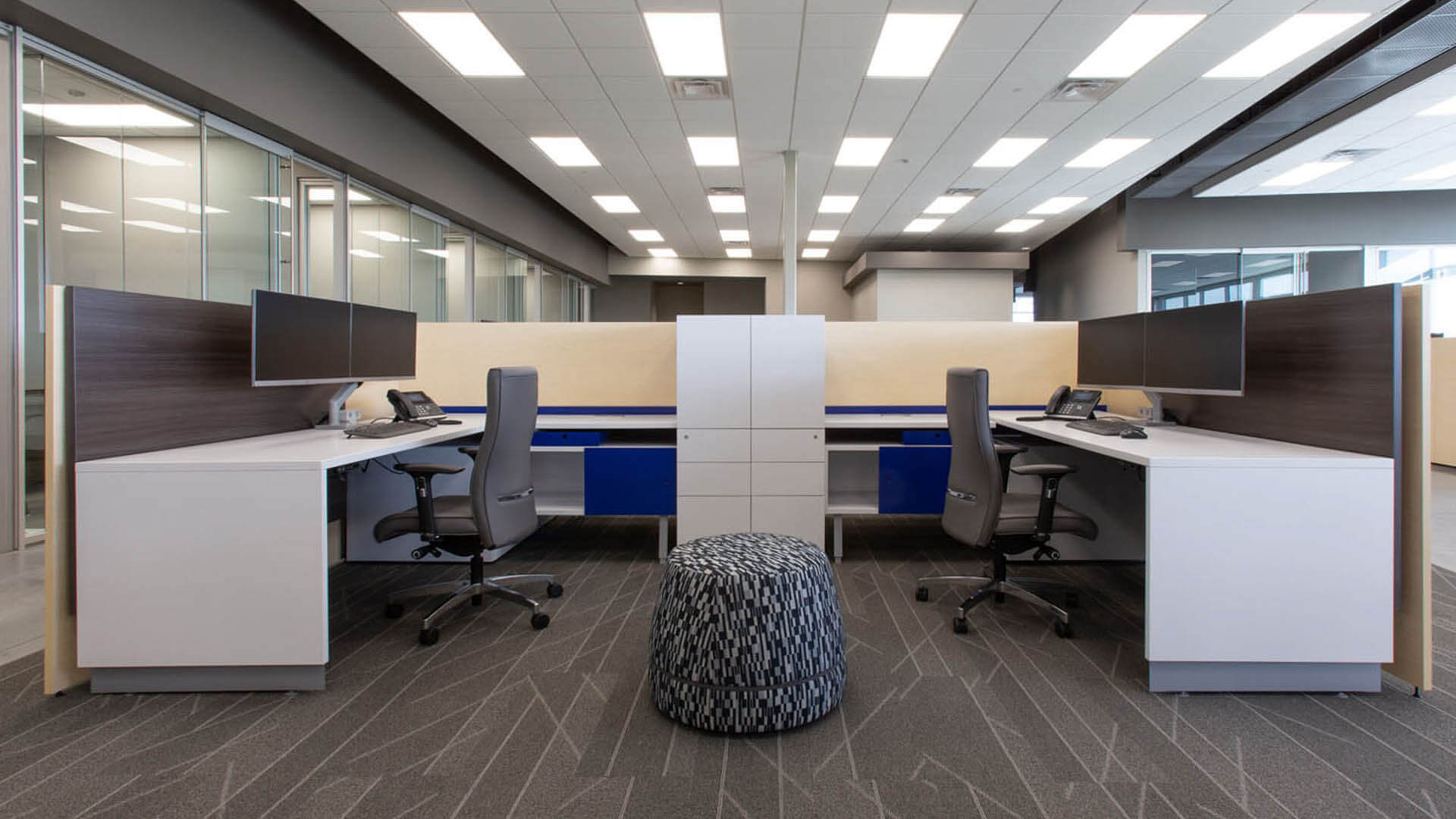
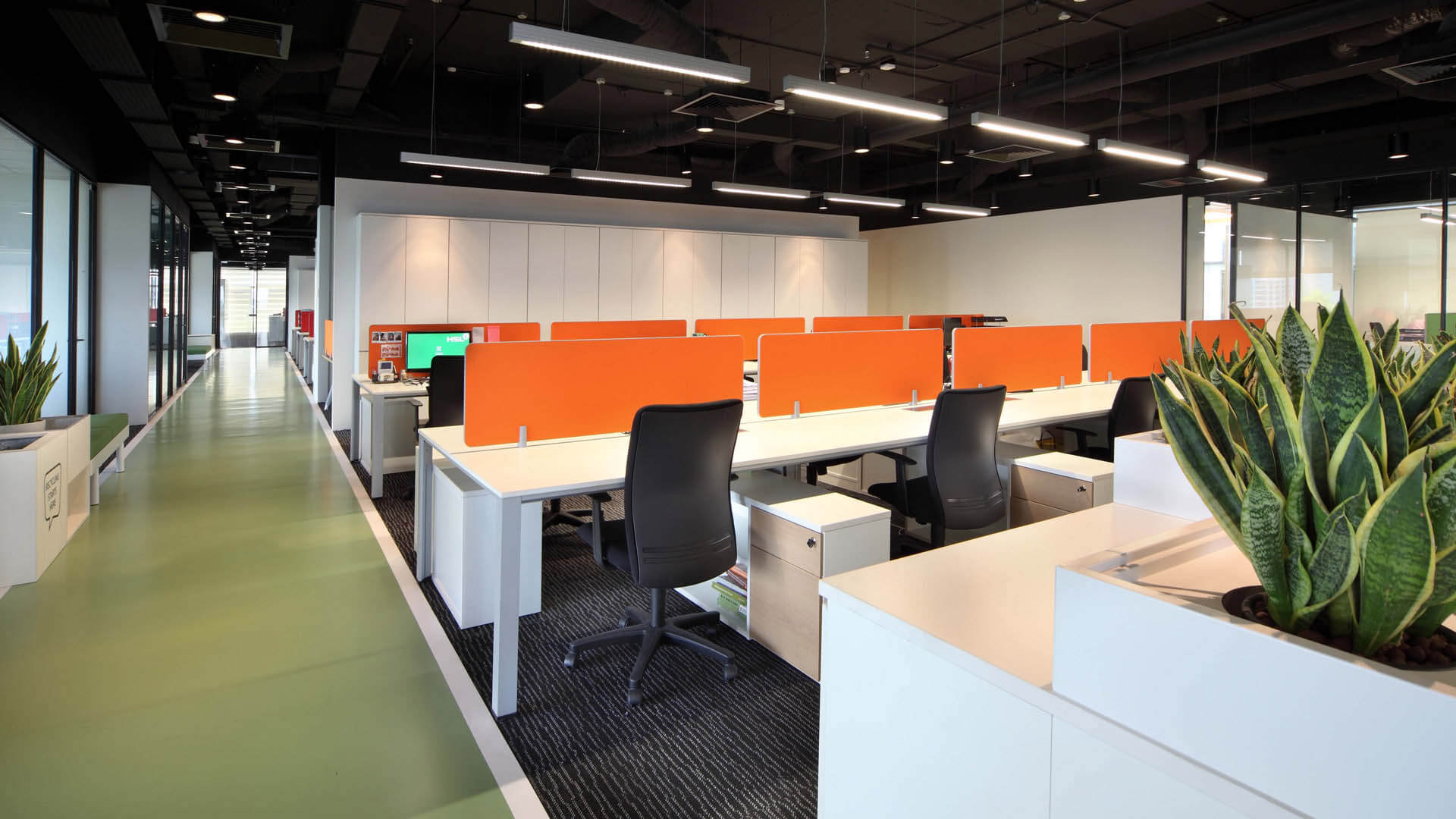
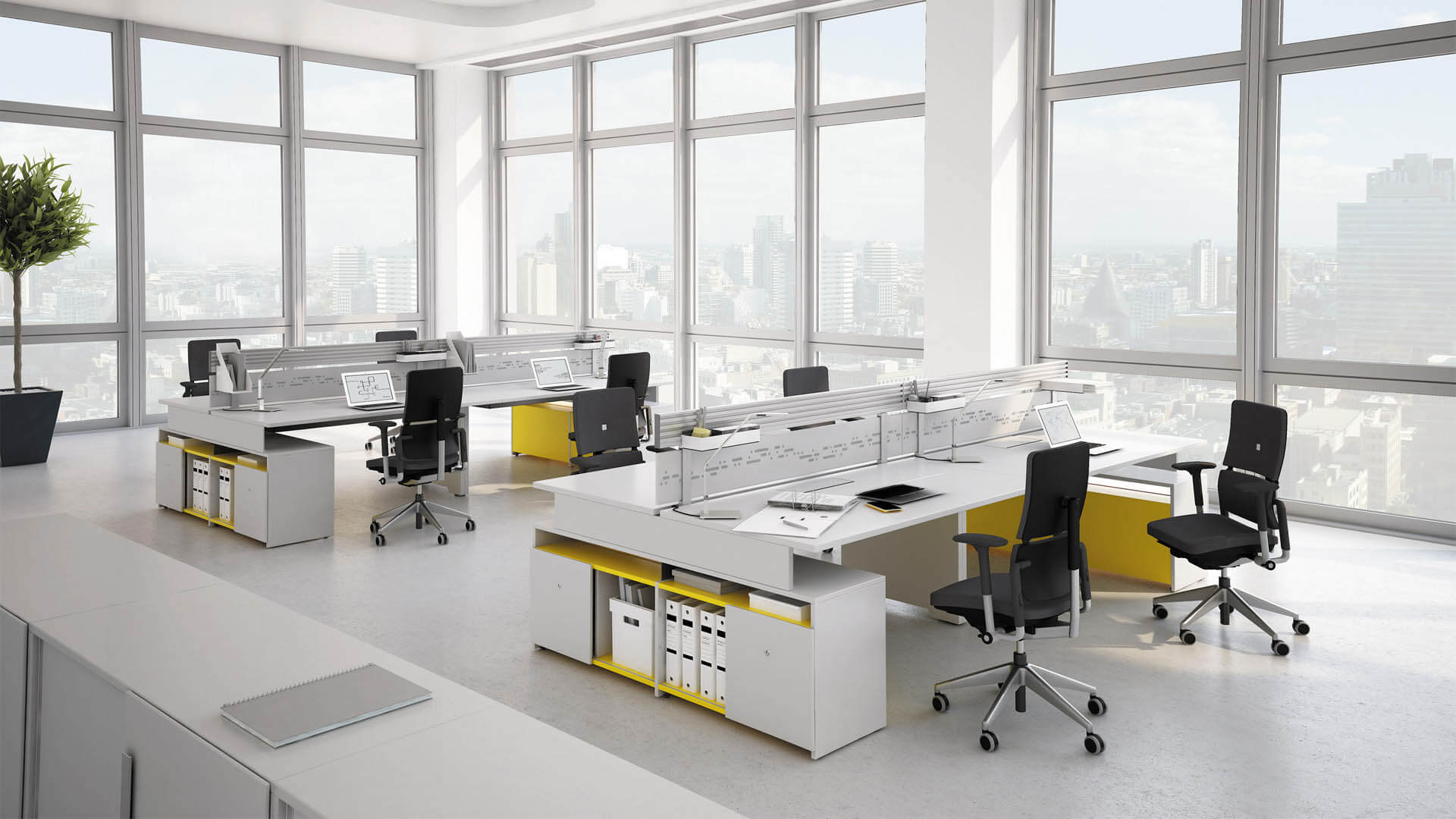
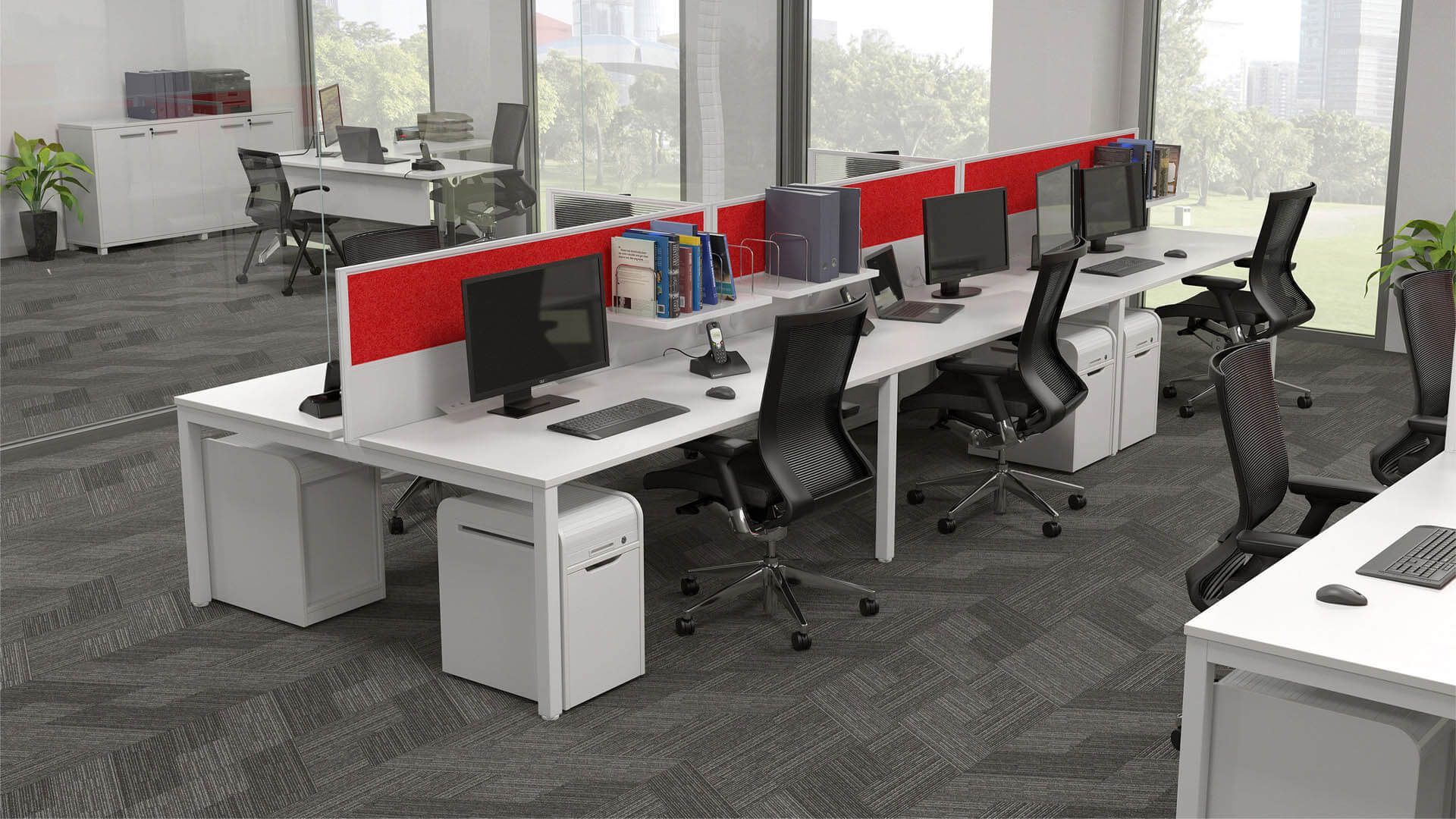
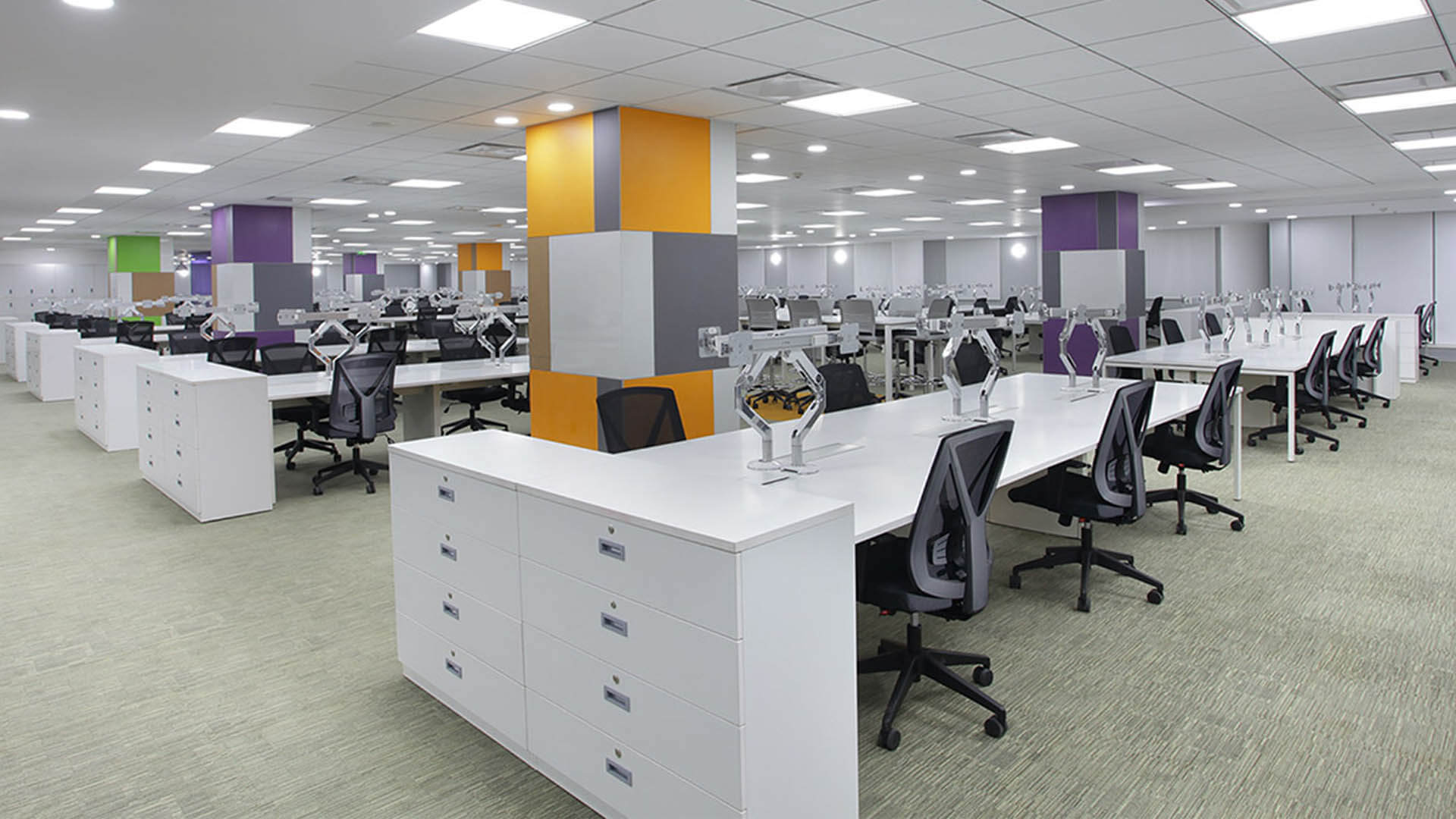
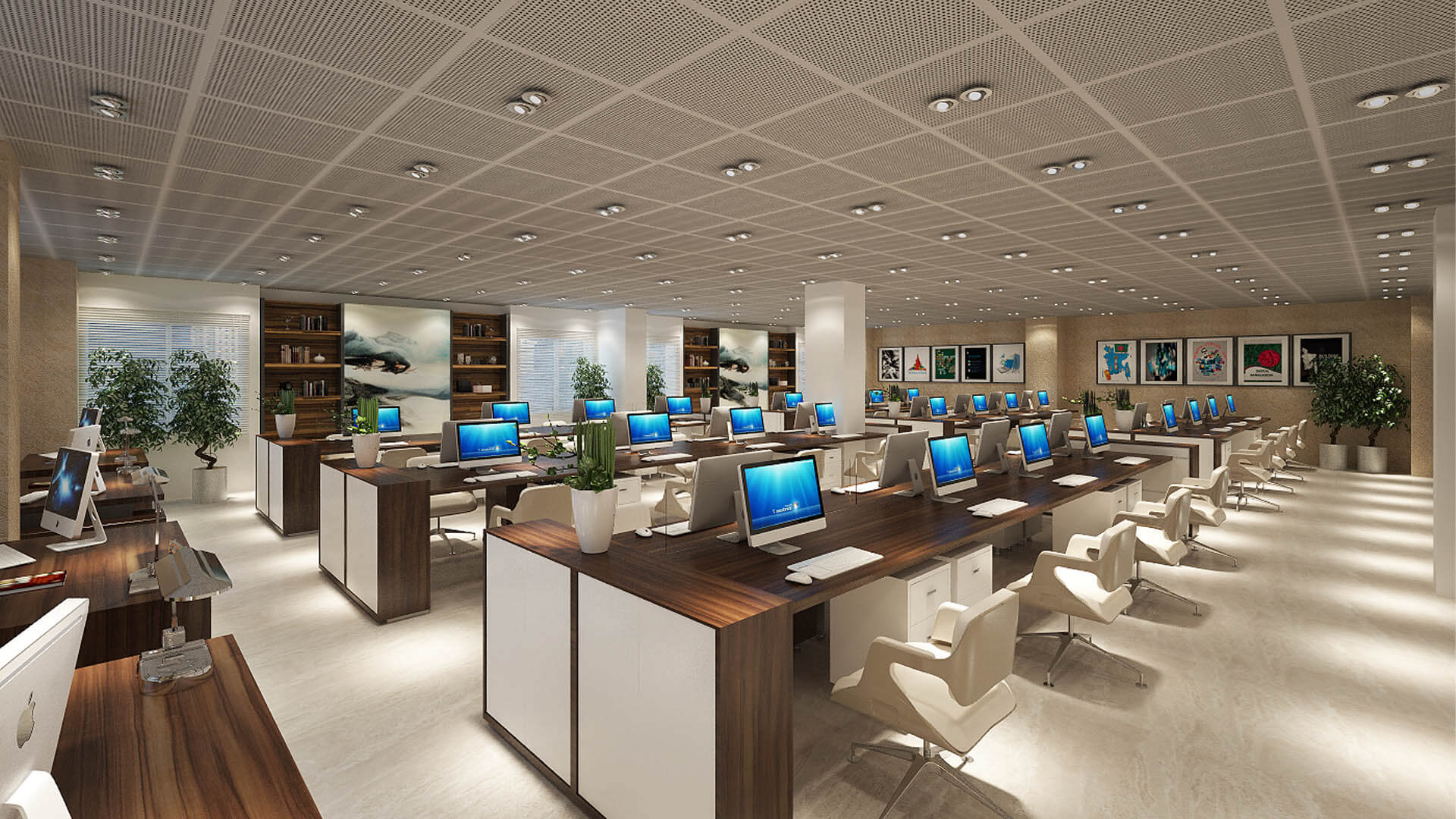
Bench-style workstations place employees at connected or closely arranged desks, often sharing a continuous work surface. This arrangement can create a consistent appearance and use floor space efficiently in open offices.
Bench systems are suitable when teams need convenient communication and standardized desk arrangements. Depending on the work, desk dividers, shared storage, and designated quiet areas may help balance collaboration with individual concentration.
Cluster and Team Workstations
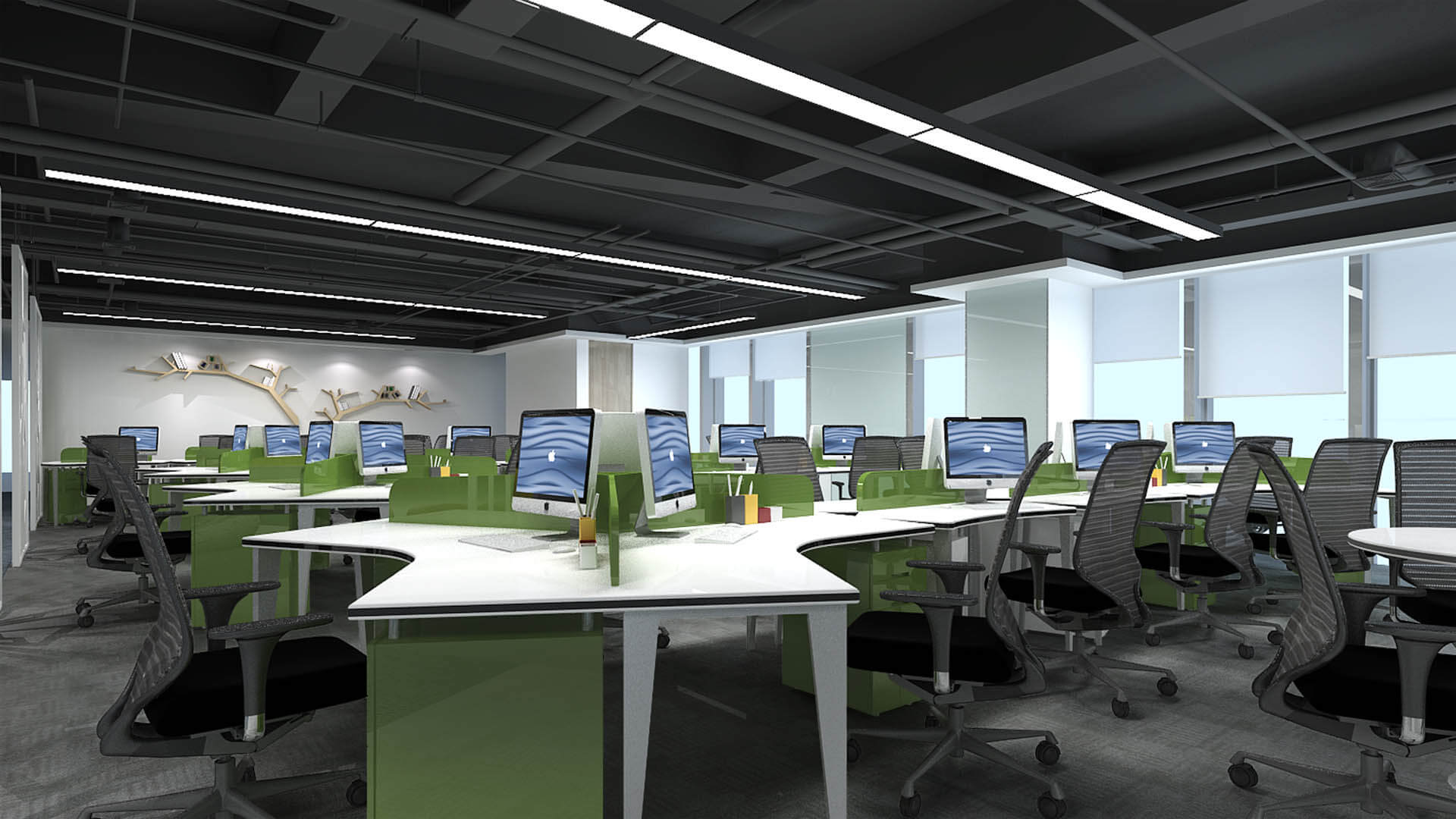
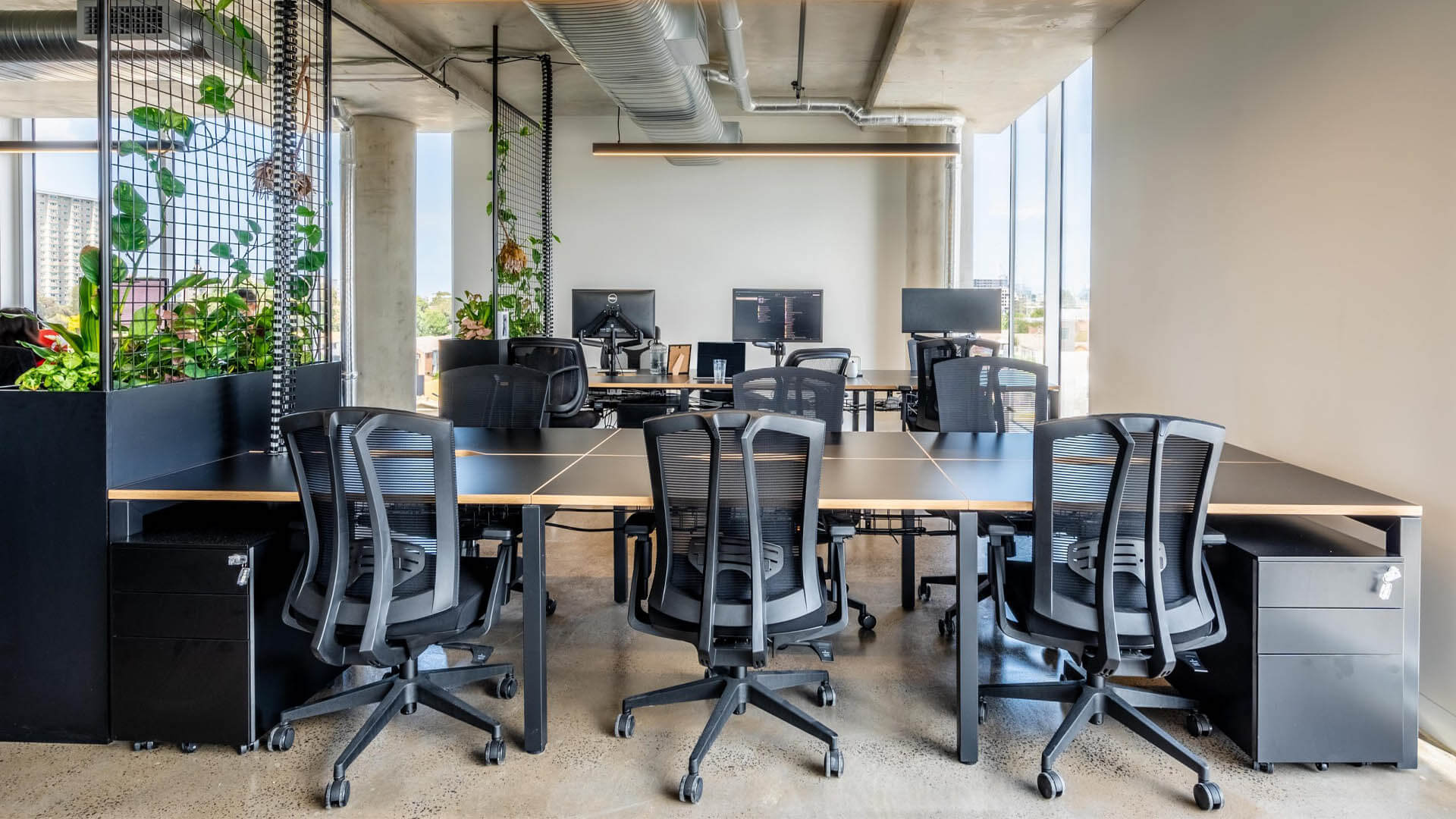
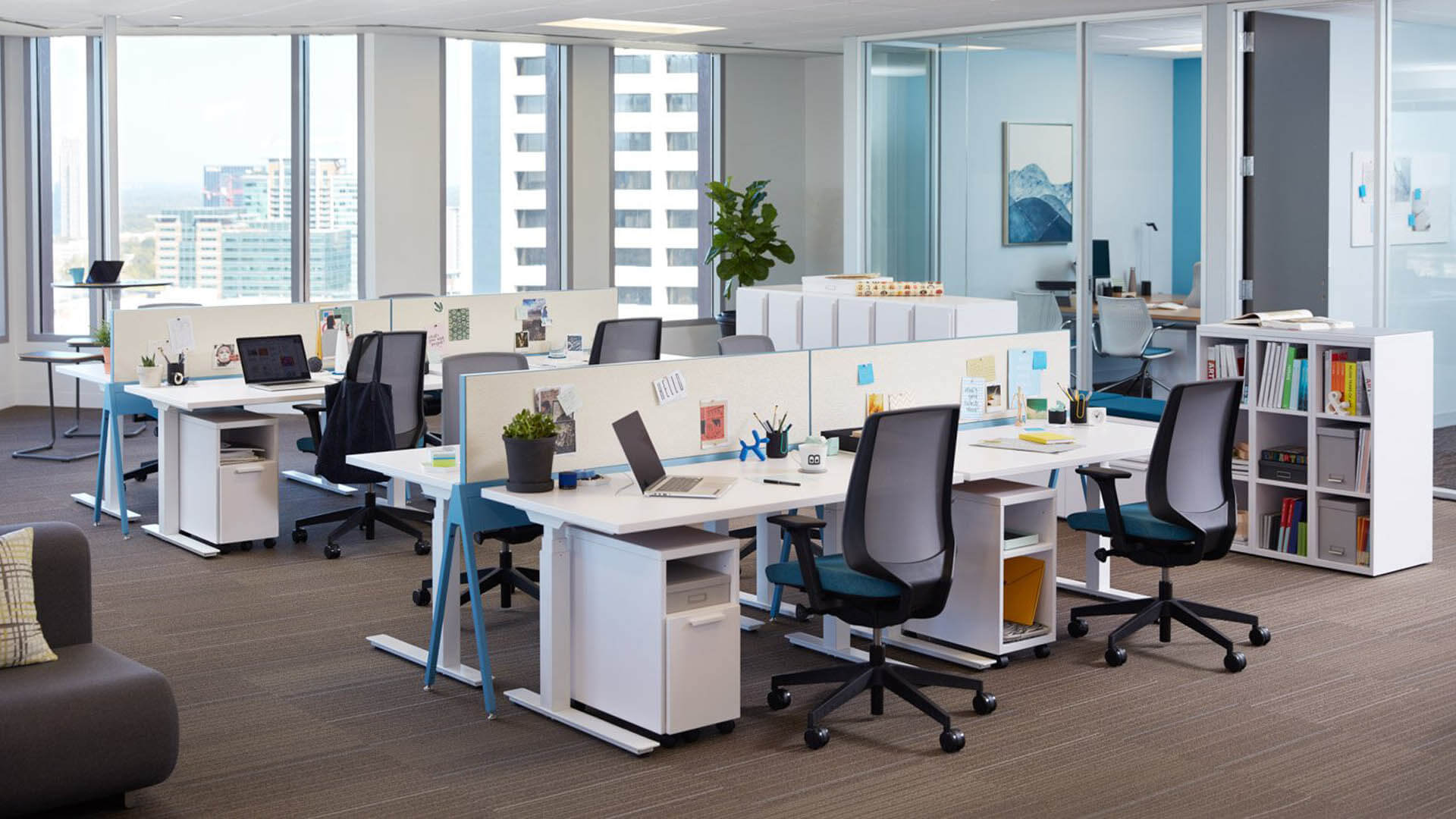
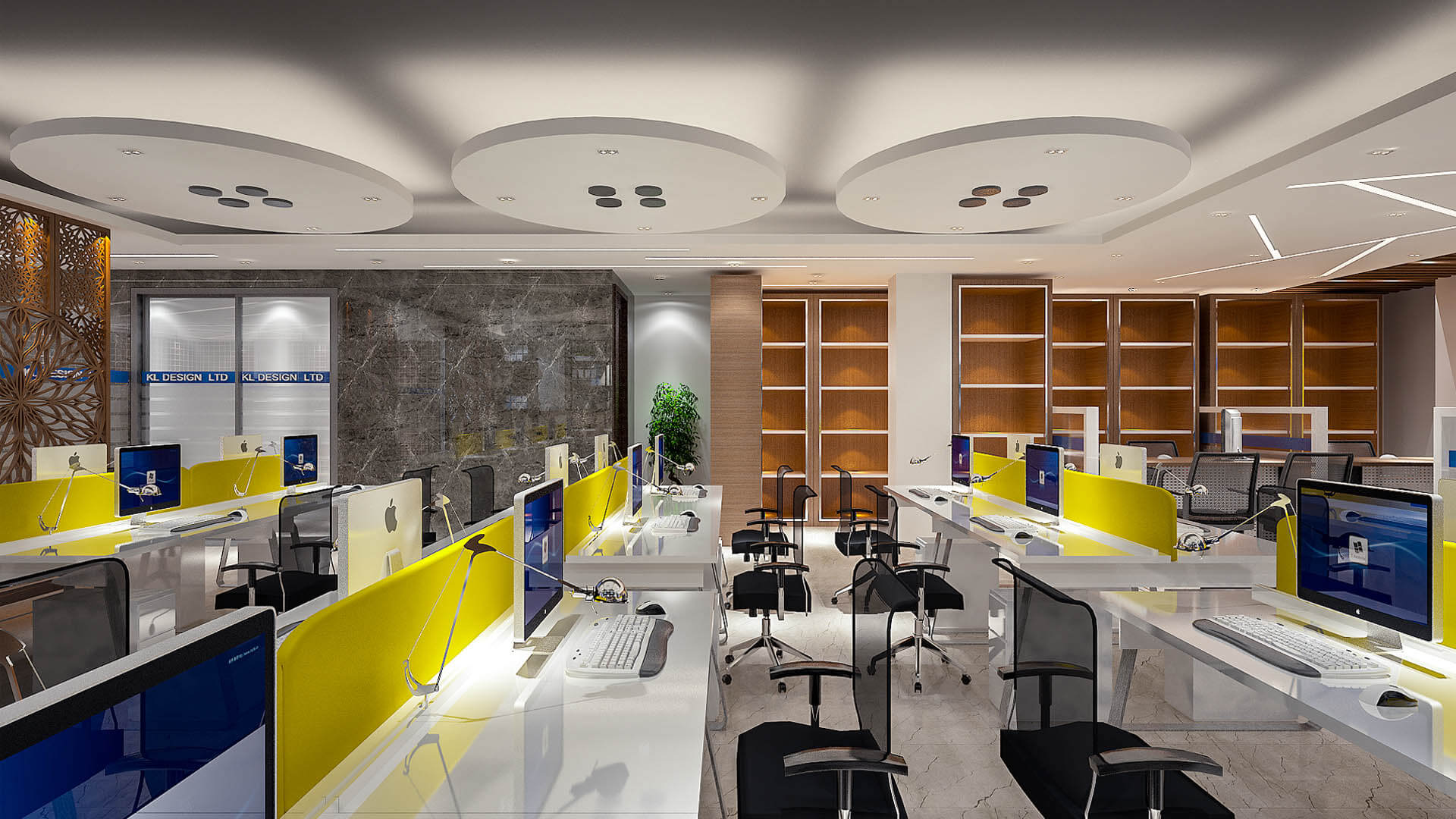
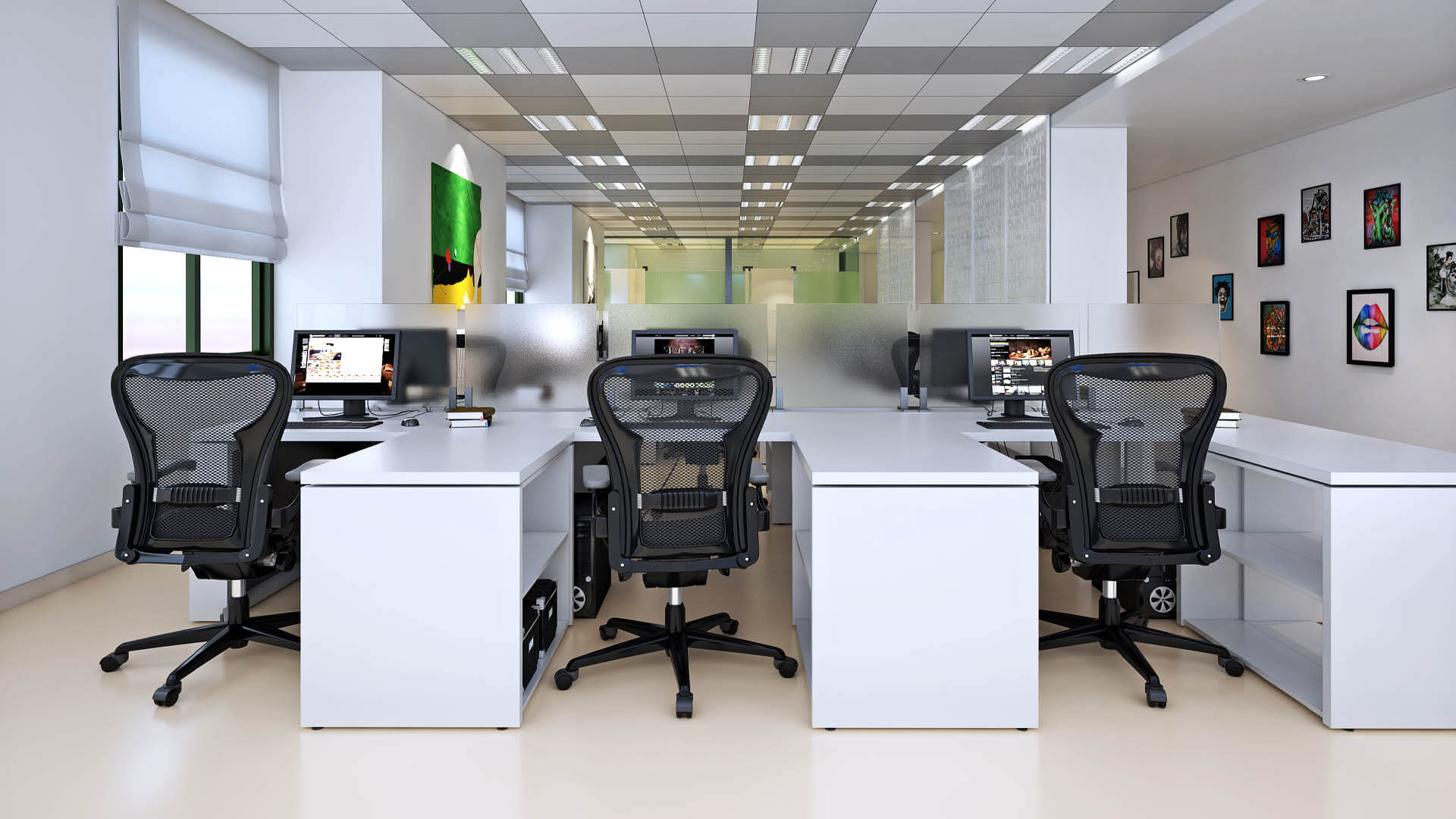
Cluster workstations arrange desks into small groups, allowing employees working on related tasks to communicate conveniently. This configuration can suit project teams, design departments, software companies, and collaborative business functions.
The layout should provide enough space for chairs, movement, equipment, and access to shared resources. Team clusters can be combined with quieter zones when some tasks require uninterrupted concentration.
Cubicle and Partitioned Workstations
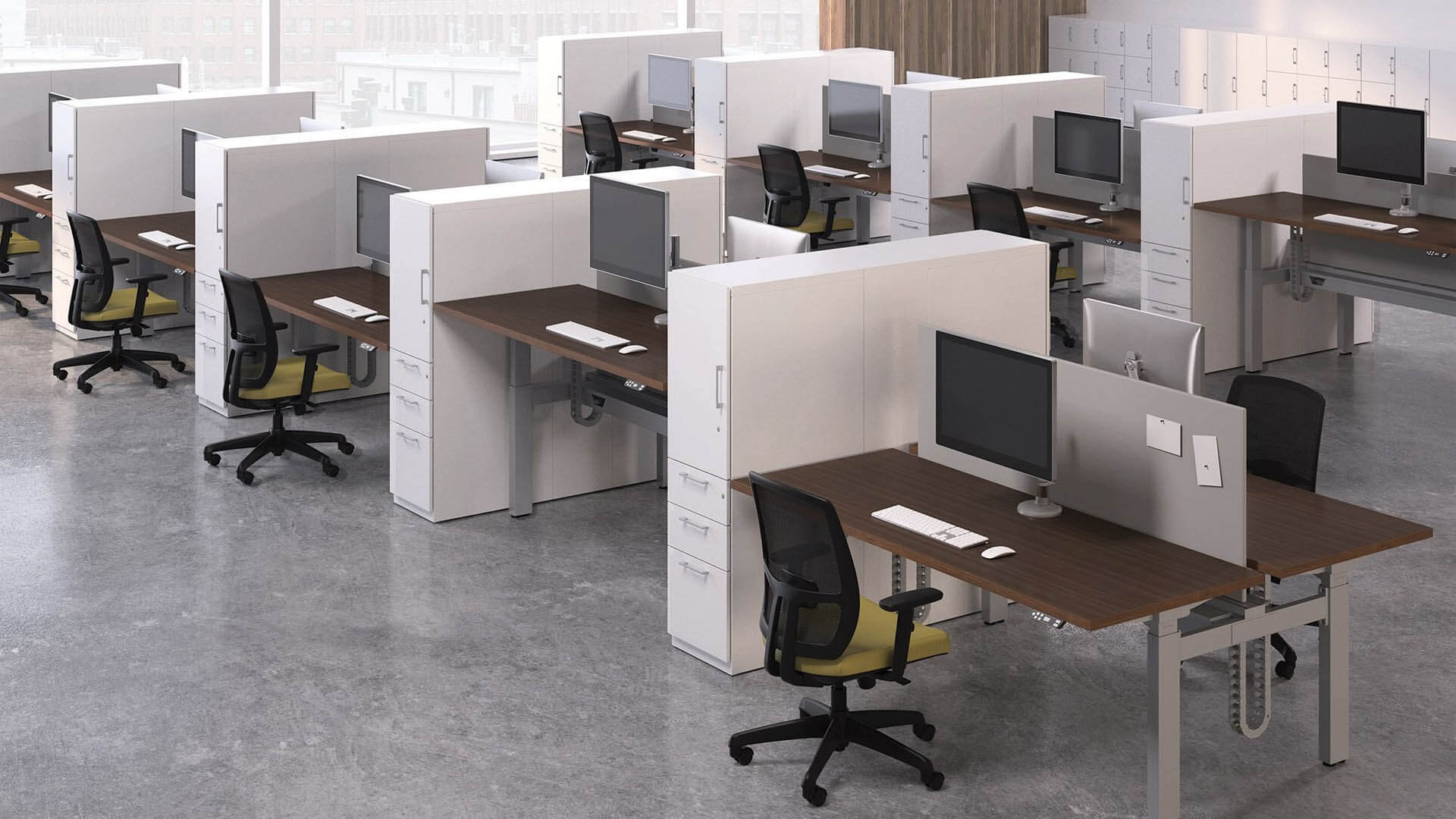
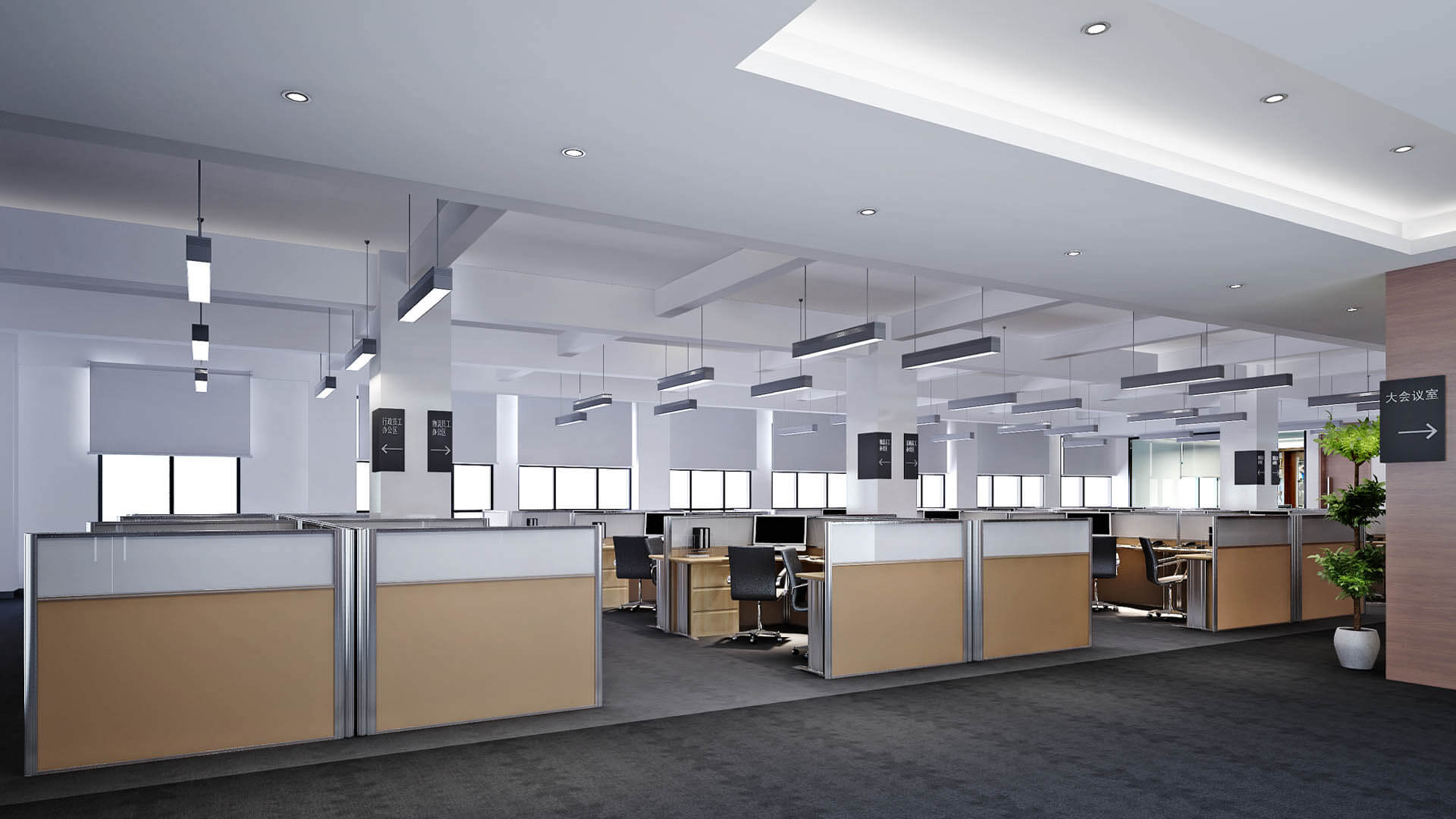
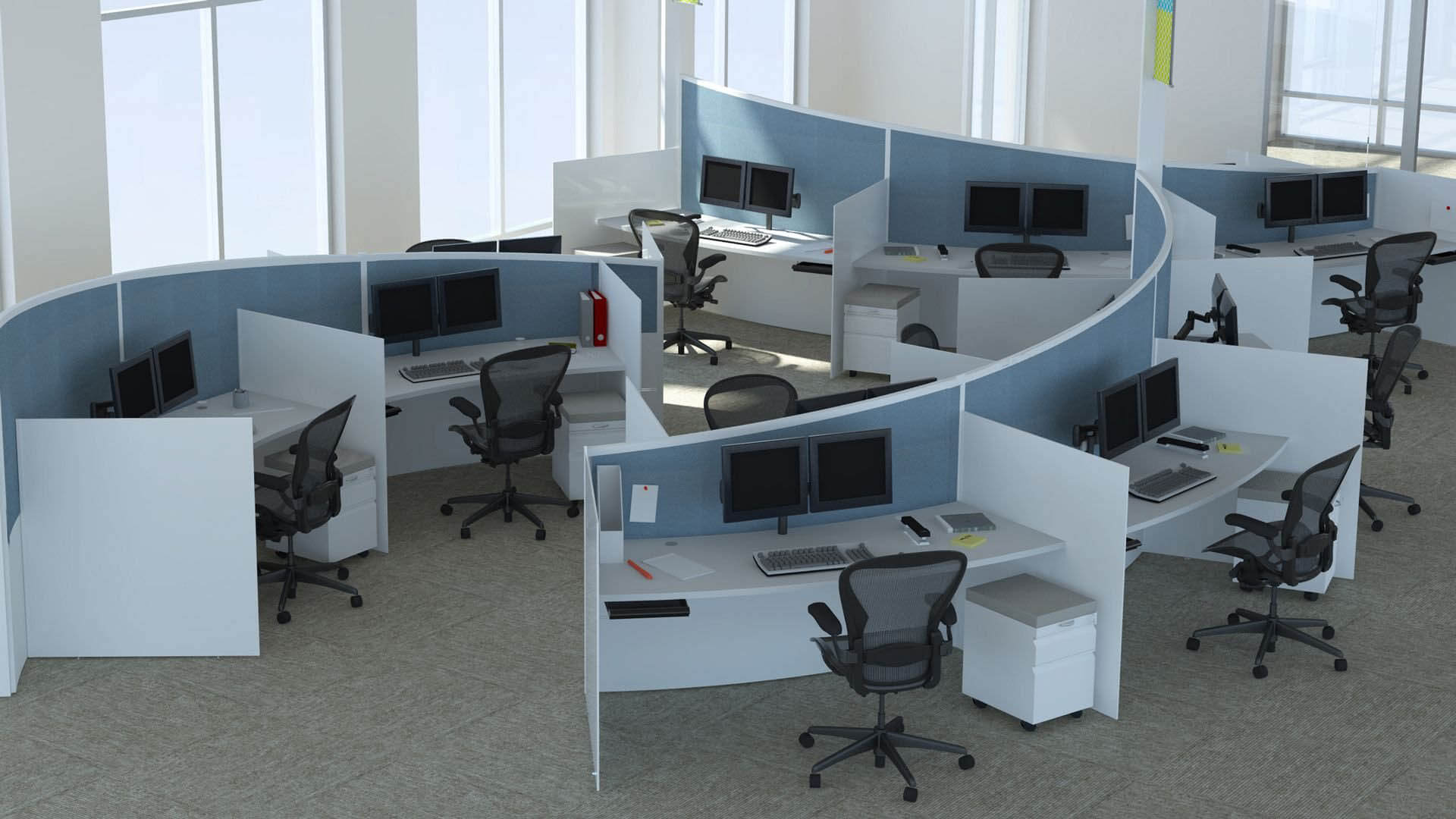
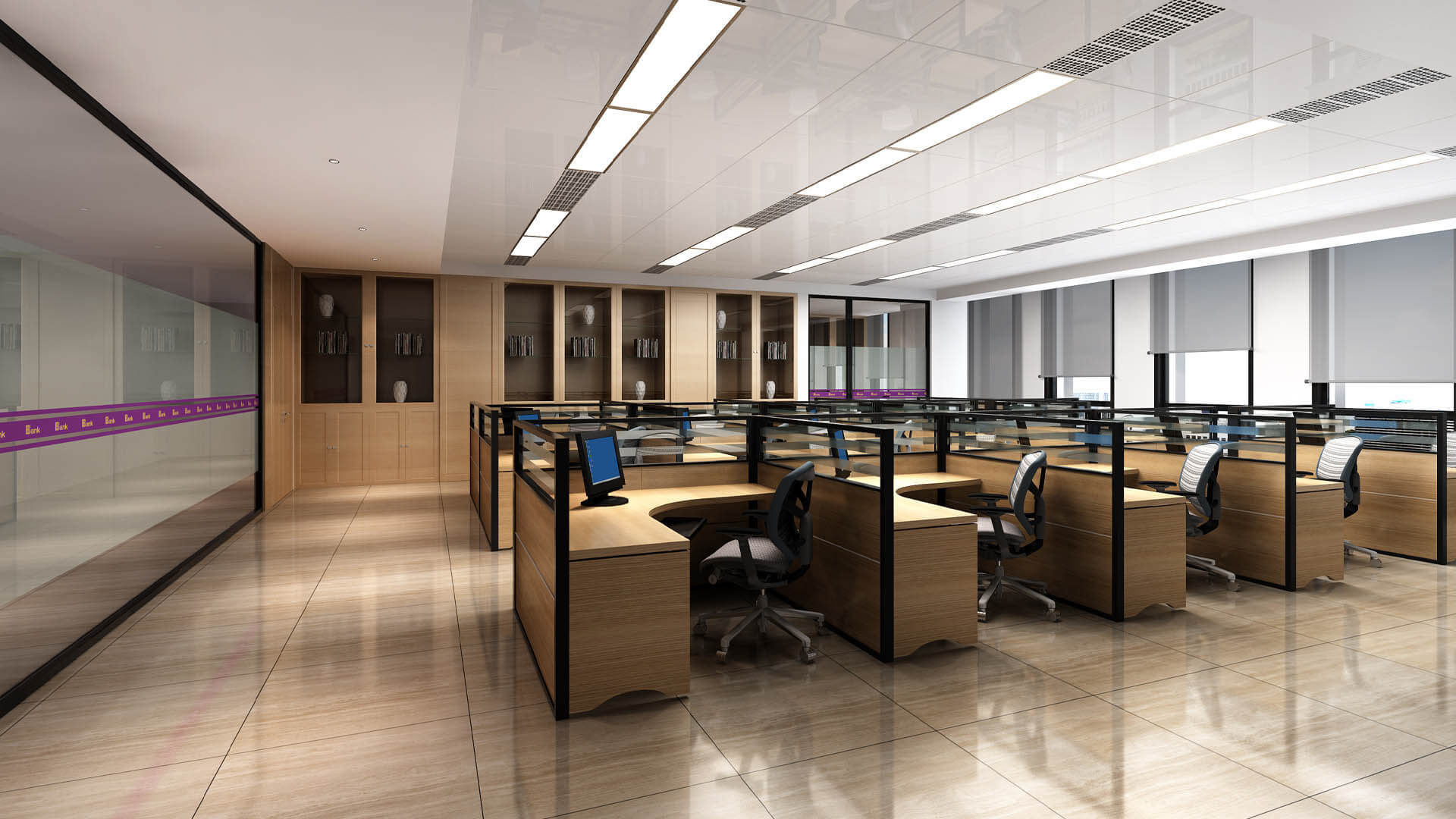
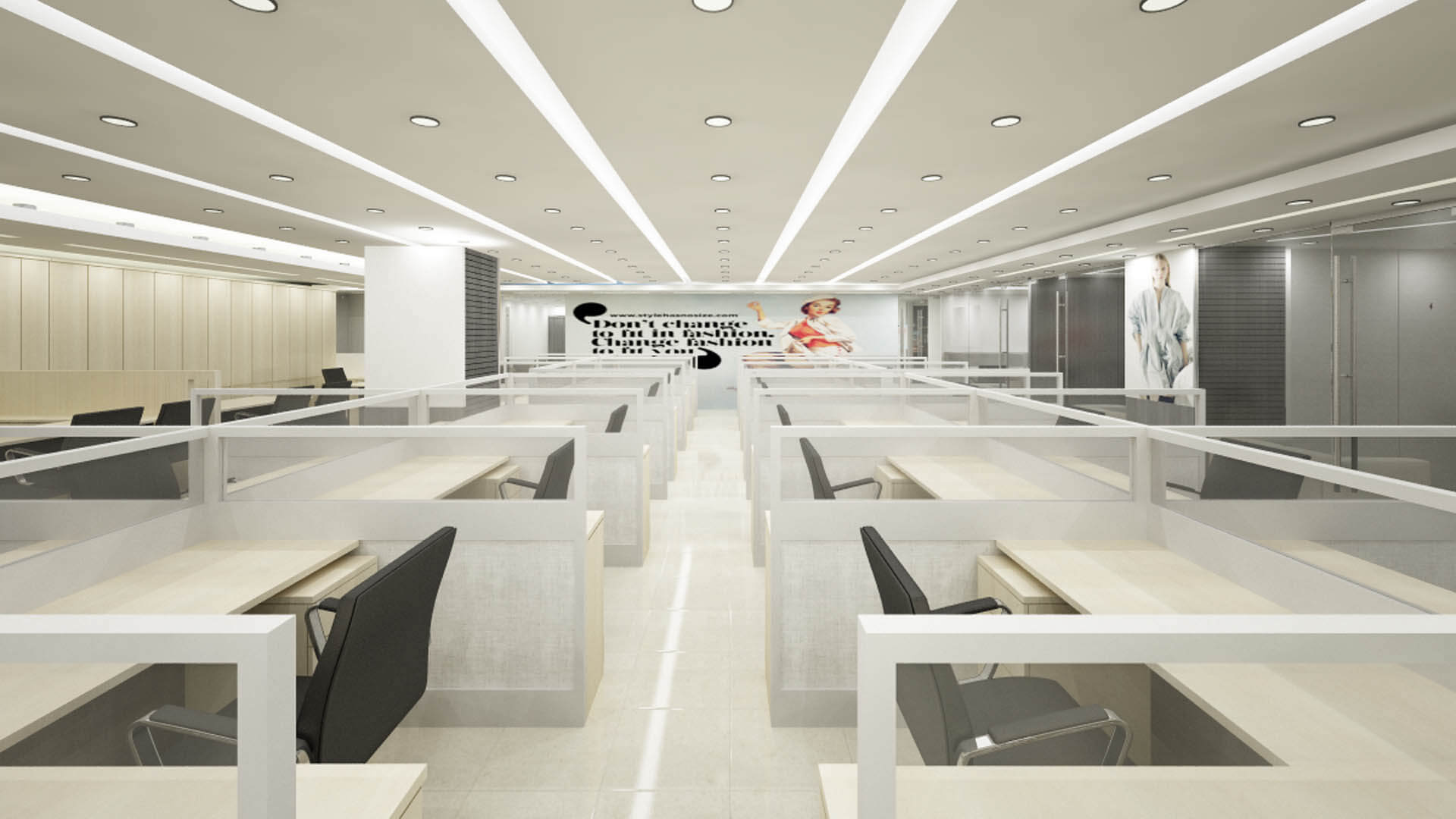
Cubicle-style workstations use partitions to establish more defined individual work areas. They can be appropriate for roles requiring fewer visual distractions or a greater degree of personal workspace organization.
Partition height, material, desk dimensions, and access routes should be selected carefully. Excessively high or poorly arranged dividers can make an office feel closed in, so the design should reflect the balance between privacy, light, and communication required by the team.
Modular and Flexible Workstations
Modular workstation systems allow components to be rearranged or expanded when business needs change. They can be useful for growing companies, offices with changing team structures, and organizations that want a consistent furniture system across departments.
Before choosing a modular system, consider the compatibility of components, ease of reconfiguration, durability, and future equipment requirements. Flexibility is most useful when the workstation system supports a realistic expansion plan rather than simply offering more configuration options.
Ergonomics and Employee Comfort
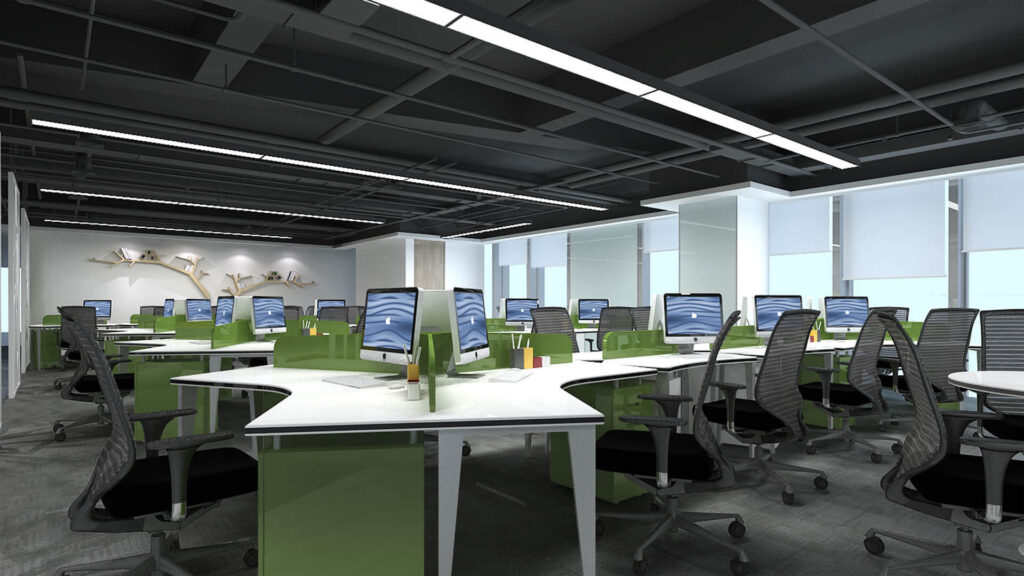
Workstation design should support comfortable working positions and practical access to everyday equipment. Furniture selection, monitor placement, lighting, and circulation all influence how usable a desk is throughout the working day.
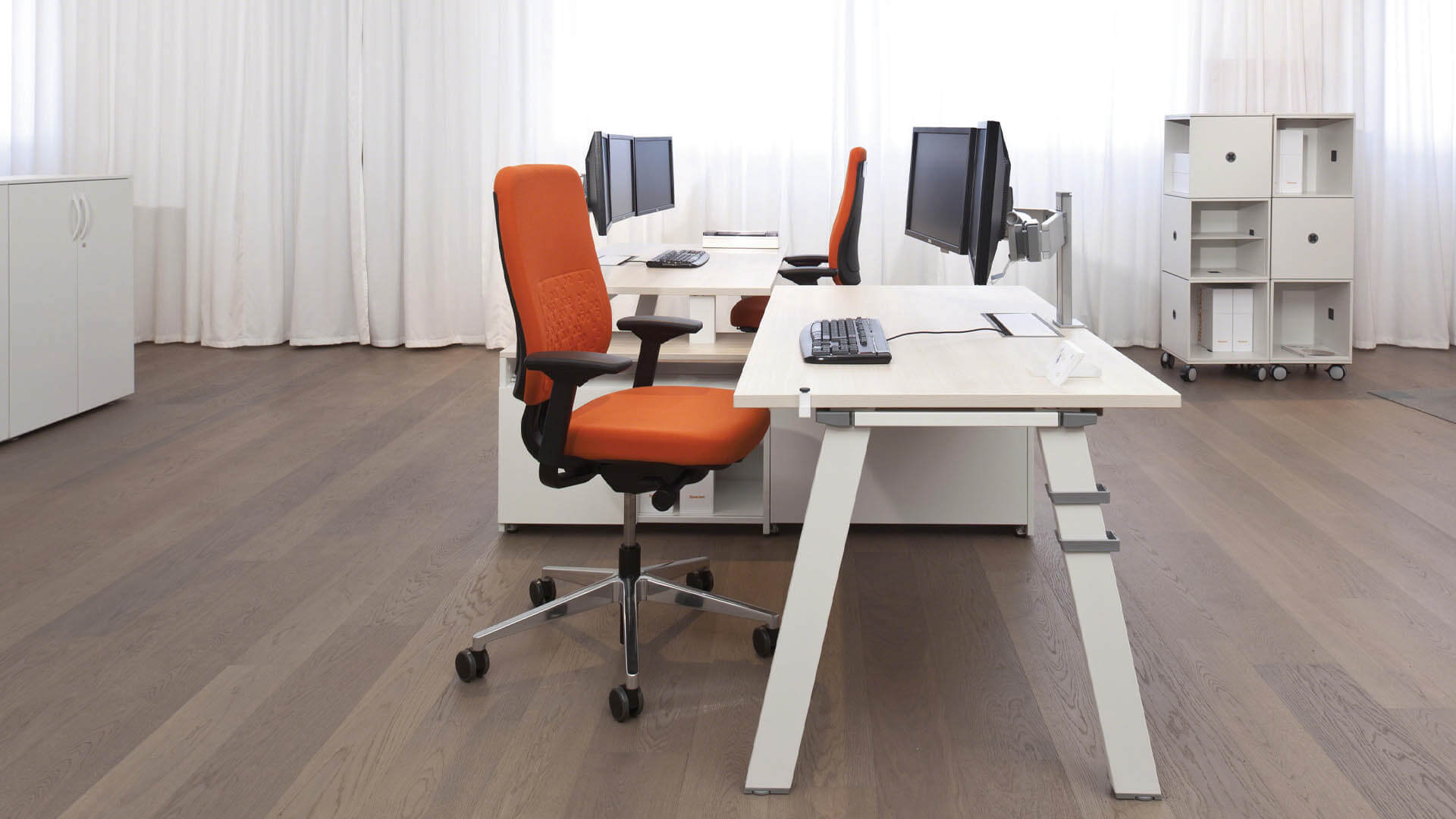
An ergonomic workstation commonly includes a desk of suitable height, an adjustable chair where appropriate, adequate legroom, and a monitor position that allows a comfortable viewing posture. Keyboard, mouse, and frequently used items should be placed within easy reach. Individual needs vary, so adjustable furniture and suitable equipment can help accommodate different users.
Lighting should also be considered. Workstations need sufficient illumination for their tasks, while desk orientation and window treatments should help manage screen glare. A clear layout allows employees to move around without repeatedly navigating obstacles, and appropriately positioned storage helps reduce clutter.
No workstation layout can guarantee higher productivity or prevent every workplace injury. However, thoughtful planning can improve usability and support a more comfortable working environment.
Choosing Workstation Materials, Finishes, and Storage
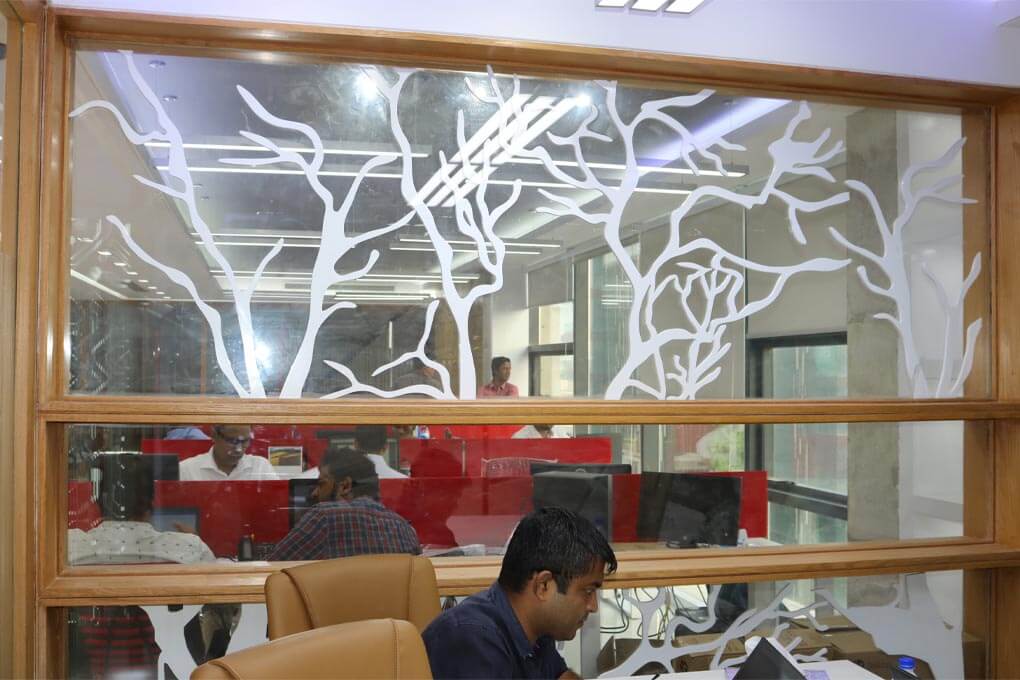
Material selection affects the appearance, durability, maintenance, and cost of workstation furniture. Laminated boards, suitable wood finishes, metal frames, glass elements, and fabric or other partition materials can be used according to the selected design and intended use.
The best combination depends on the workplace, budget, and maintenance expectations. Desk surfaces should withstand routine use, edges and joints should be finished properly, and hardware should suit the frequency of operation. In Bangladesh’s humid conditions, material specifications, edge sealing, ventilation, and installation quality are important considerations for long-term performance.
Finishes should coordinate with the wider office interior without distracting employees. Neutral surfaces can create a consistent background, while selected brand colours or accent materials can distinguish particular departments. Storage should be planned alongside the desks rather than added later, helping maintain a more organized workstation area.
Office Workstation Design Cost in Bangladesh
The cost of office workstation area design in Bangladesh depends on the number of seats, desk dimensions, furniture materials, partition specifications, storage requirements, cable management, and installation scope. A simple shared desk arrangement will have different costs from customized modular workstations with integrated cabinets and individual dividers.
The main factors affecting the budget include:
- Number of workstations: The total number of desks and seats required.
- Furniture specifications: Desk dimensions, frames, finishes, hardware, and customization.
- Partitions: The number, height, material, and type of dividers.
- Storage: Drawers, cabinets, shelves, and shared storage systems.
- Technology and electrical work: Cable trays, power access, data points, and equipment connections.
- Installation and site conditions: Assembly, delivery, existing furniture removal, and any required preparation work.
Businesses should compare quotations using the same scope and specifications. A low initial price may not include partitions, storage, accessories, or installation, so the included items should be clearly identified.
Circle Interior Ltd can discuss your workstation requirements and prepare a project-specific proposal based on the office layout, selected furniture, and agreed scope. For product-specific workstation pricing, review the company’s office workstation price information.
Our Workstation Design and Installation Process
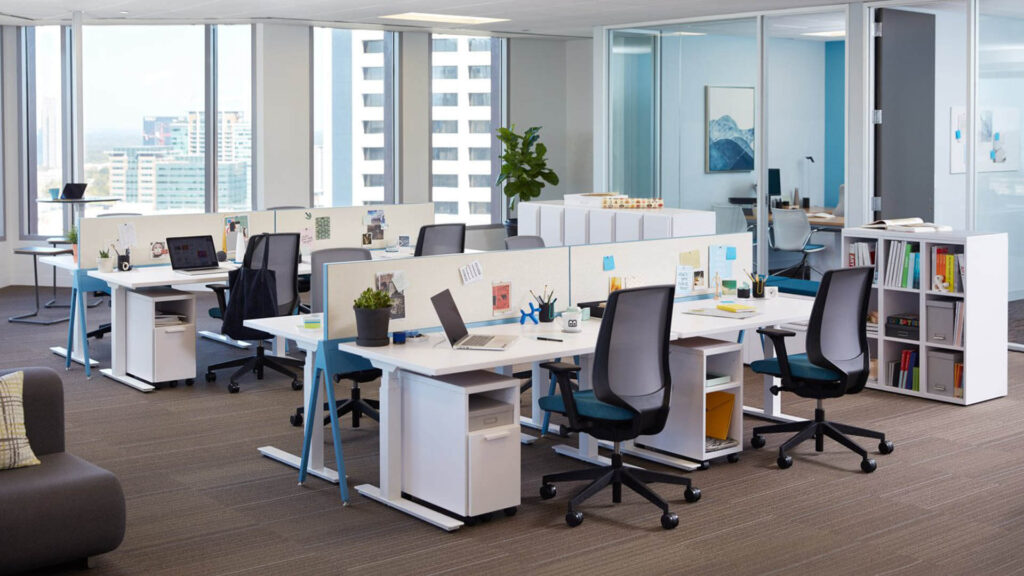
A structured process helps align workstation furniture with the office layout and the needs of the employees using it.
1. Consultation and Requirement Assessment
We discuss the number of employees, workstation types, equipment requirements, preferred finishes, privacy needs, and available budget. This establishes the priorities for the proposed layout.
2. Site Measurement and Layout Planning
The office is assessed for dimensions, doors, windows, circulation routes, and existing electrical or network connections. The proposed layout determines how desks, chairs, partitions, and storage will fit within the space.
3. Design and Furniture Specifications
The workstation concept is developed with suitable desk configurations, materials, storage, partitions, and accessories. Depending on the agreed scope, layout drawings or 3D visualizations may be prepared to help review the proposal.
4. Quotation and Approval
The proposed furniture specifications, quantities, installation requirements, and other included work are reviewed against the budget. The scope and expected deliverables should be confirmed before production or installation begins.
5. Installation and Quality Checks
For projects that include implementation, workstation components are assembled and installed according to the approved layout and specifications. Checks should cover stability, alignment, access, finishing, and the practical arrangement of cables and accessories.
6. Final Review and Handover
The completed workstation area is reviewed against the agreed scope. Any outstanding items are identified for resolution, and the client can confirm that the arrangement meets the intended requirements.
Why Choose Circle Interior Ltd for Office Workstation Design?
Circle Interior Ltd provides interior design services in Bangladesh, including dedicated office workstation area design. The company’s existing service page displays client reviews and company experience claims; these should be supported by accurate, current records and relevant project examples.
A successful workstation project requires coordination between the layout, furniture specifications, partitions, storage, and technology requirements. A customized approach helps businesses avoid furniture that does not fit the room or meet employees’ practical needs.
Before approving a project, businesses should review relevant workstation examples, confirm the materials and specifications, and clarify whether the quotation covers design, furniture supply, installation, or other work. This creates a clearer basis for planning the workstation area according to the business’s requirements and budget.
Plan Your Office Workstation Area with Circle Interior Ltd
A well-planned workstation area combines practical desk layouts, suitable furniture, organized storage, effective cable management, and comfortable working conditions. The right design helps businesses make better use of office space while accommodating the needs of their employees.
Contact Circle Interior Ltd to discuss your office workstation area design project in Bangladesh. Share your floor plan, number of employees, workstation requirements, preferred materials, and budget to begin planning a workspace tailored to your business.